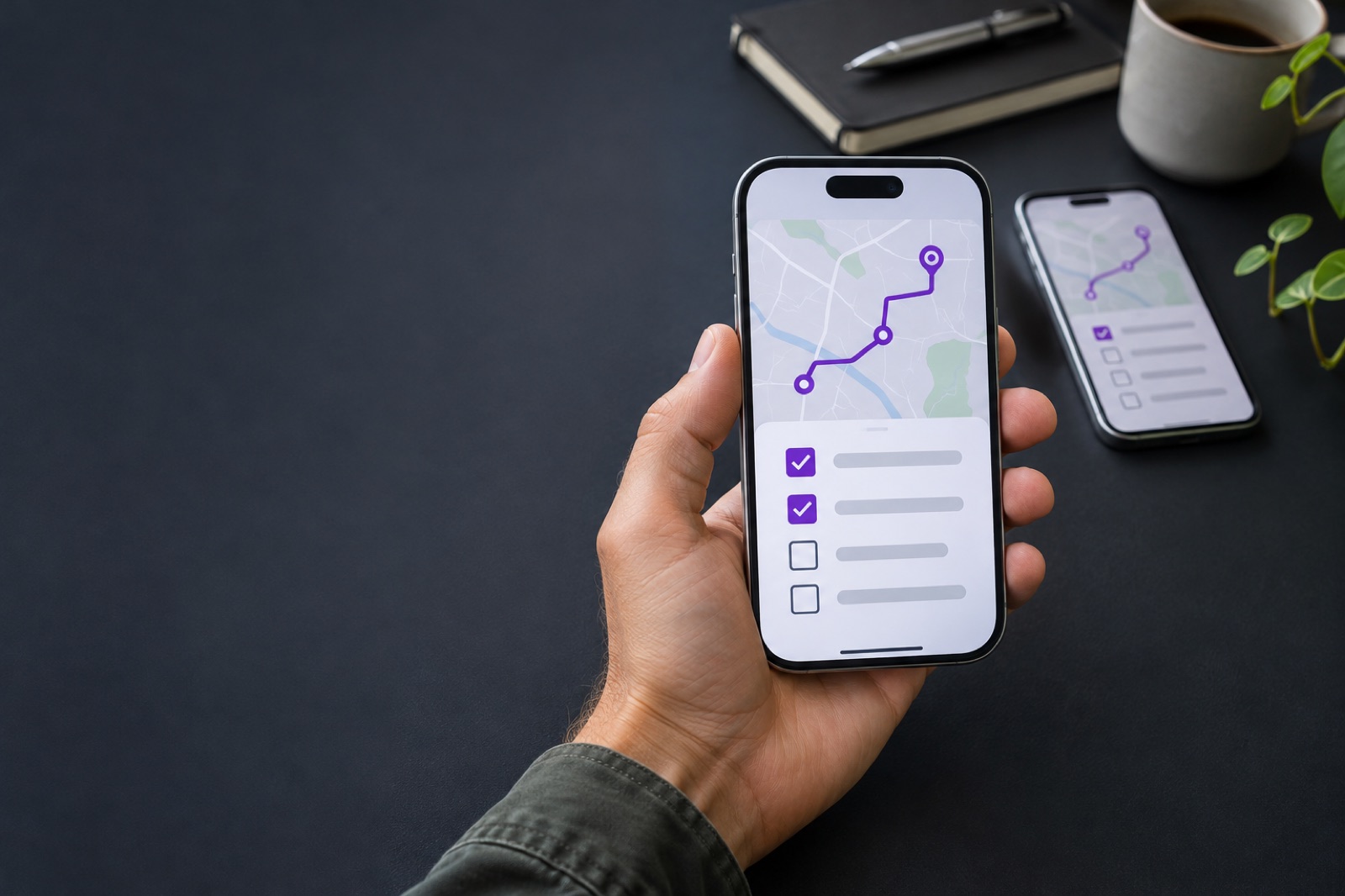
An app designed around what people need to do on the move.
We build iOS and Android apps for customers and field teams. From sign-in and first use to syncing data and releasing updates, we plan the full mobile experience around your requirements.
Whether you're launching a new app or extending an existing system to mobile, we define the journeys, devices and integrations before choosing the platform approach.
iOS and Android
Choose native development where platform-specific needs justify it, or a shared codebase such as Flutter where that better fits the features and maintenance plan.
Customer-facing apps
Build mobile experiences for bookings, account access, self-service and notifications, based on the actions your users take most often.
Field work and offline workflows
Scope data capture, local storage and later sync where connectivity is unreliable. Decide how the app should handle stale records and conflicting changes.
Back-end and API integration
Connect the app to an existing ERP, CRM, or back-end service, or scope a new back end alongside the app.
Device capabilities
Use capabilities such as camera, barcode scanning, location or push notifications when the workflow benefits from them and the platform permits them.
Testing and app store release
Test supported devices, permissions and network conditions. Prepare builds and submission materials for the relevant app stores.
Example workflow
A field visit with intermittent connectivity
A mobile workflow should make it clear what the user can complete offline and what still needs to reach the central system.
01
Open assigned work
Load the records and tasks needed for a planned visit.
02
Capture at the point of work
Save the approved form or photos while the connection is unavailable, if offline capture is in scope.
03
Sync and show the result
Submit when a connection returns. Show what synced successfully and what needs the user's attention.
How we work
From first screen to first release
What we hand over
Release-ready builds, source and technical handover as agreed, and support with store submission or private distribution where in scope.
01
Define users and devices
Agree who uses the app, their main tasks, supported platforms and any offline, hardware or distribution needs.
02
Prototype the core journeys
Test key screens early. Confirm how identity, notifications, backend data and device permissions fit together.
03
Build and test on devices
Review builds regularly and test representative device sizes, software versions, network conditions and error states.
04
Prepare for release
Plan store or private distribution, release notes, support ownership and the update path. Store approval and timing depend on the platform.
Planning your project
Frequently Asked Questions
Should we choose native or cross-platform development?
We compare the required device features, performance, team skills and long-term maintenance. We recommend a platform approach after reviewing those requirements.
Can the app connect to our existing application?
Yes, where the system provides suitable access. We review API capabilities, user permissions and how data should sync before finalizing scope.
Can the app work offline?
Selected workflows can. Define which screens, records and actions should work offline, what can be stored on the device, and how to resolve conflicting updates.
Can you submit to the app stores?
We can support preparation and submission using approved developer accounts. Each store manages its own review, requirements and approval.