SPINP | A Custom Software Solution based in Republic of Kosovo

Hospital and clinic management software

SPINP HMS

Connect the patient journey. Coordinate the hospital.

From the first appointment to the final discharge, bring patient access, clinical work, diagnostics and billing into a connected hospital management system.

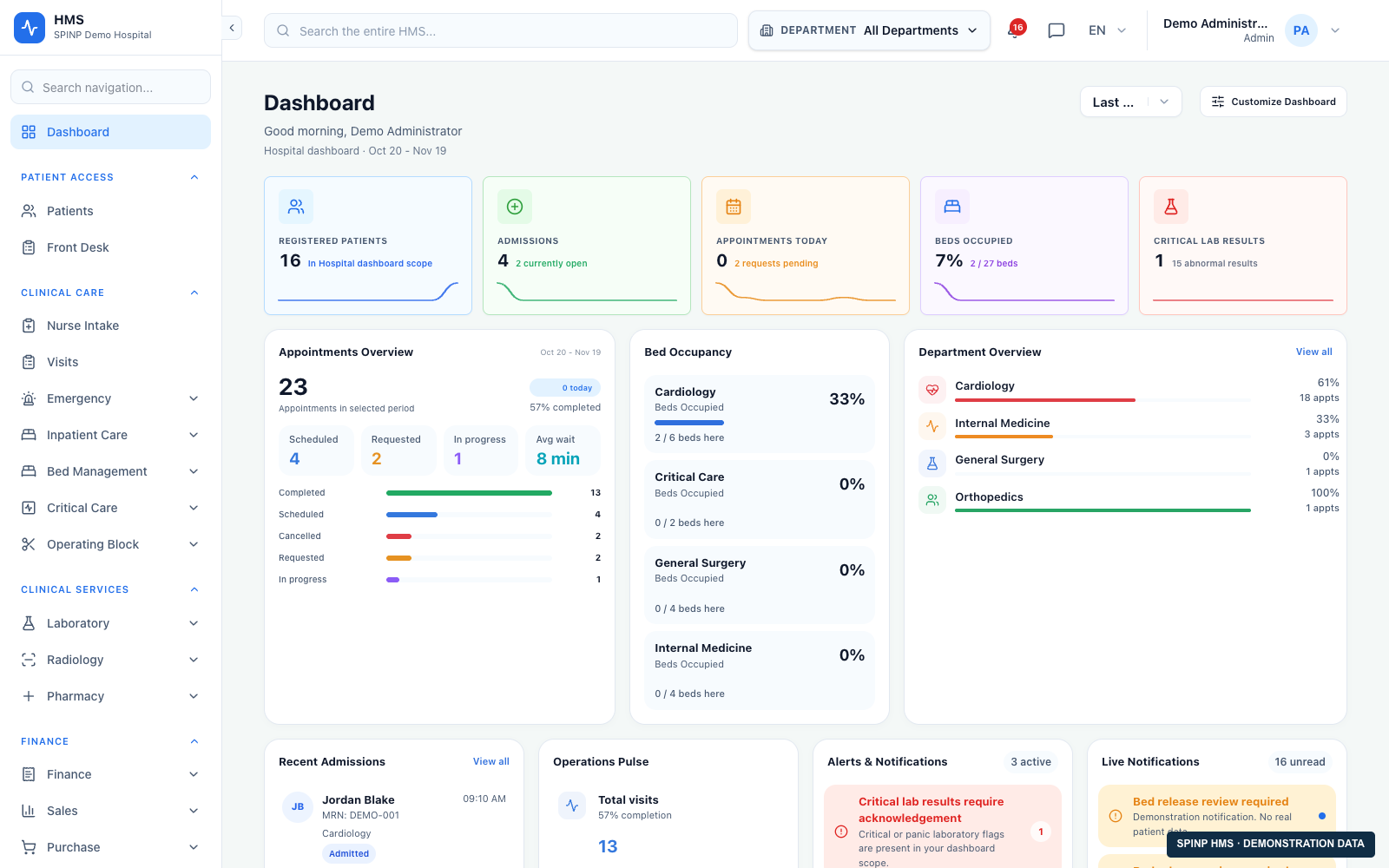
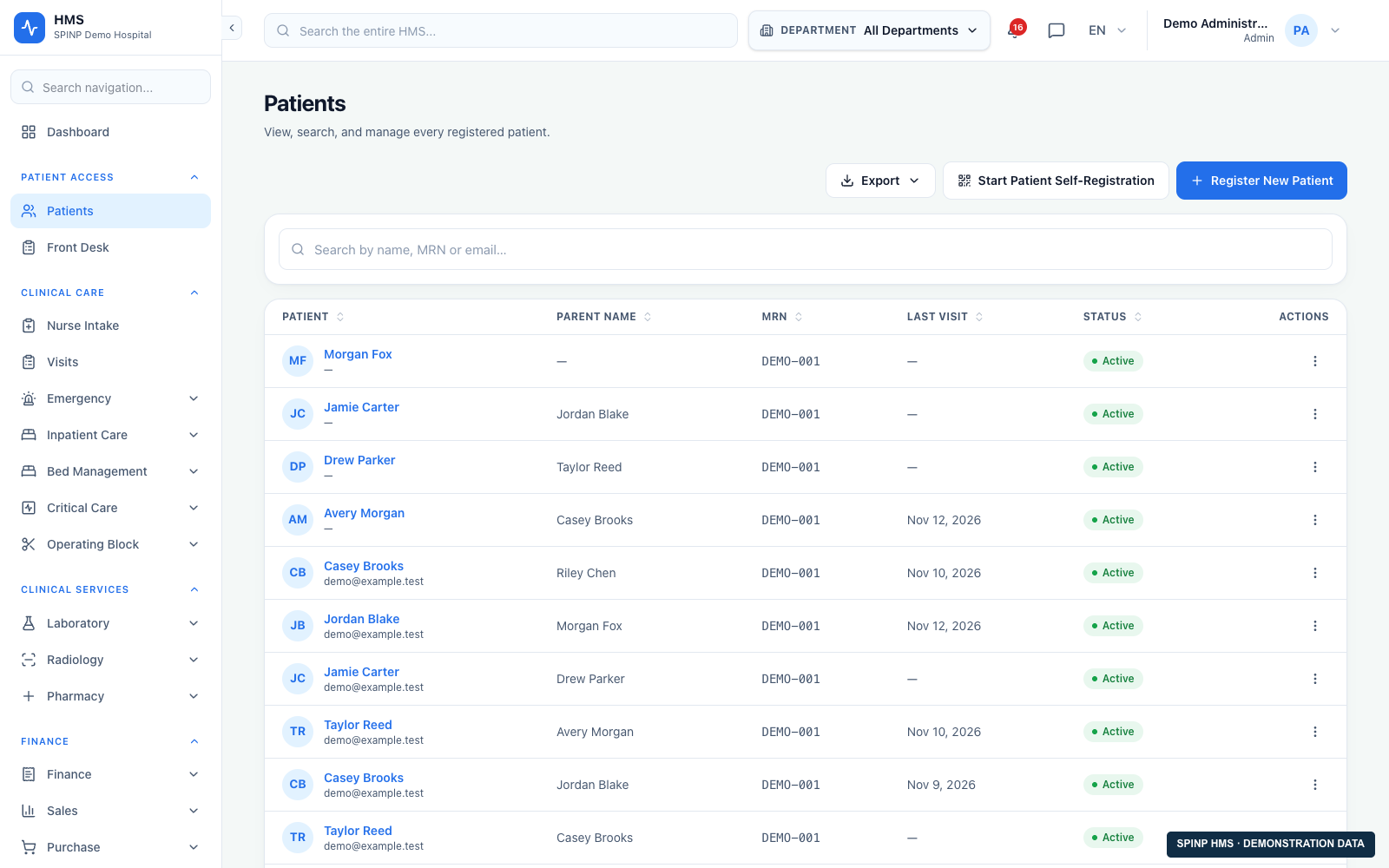
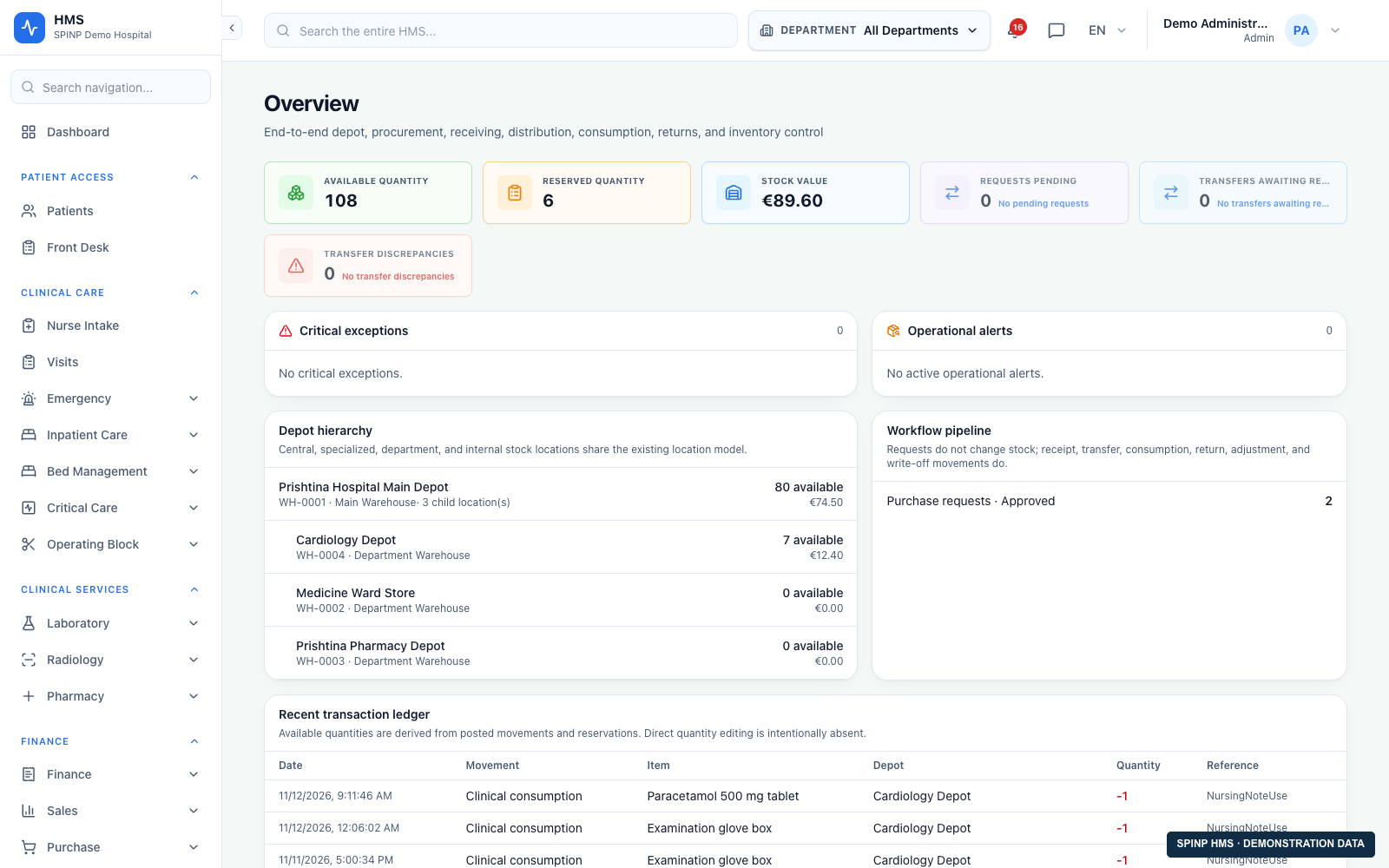
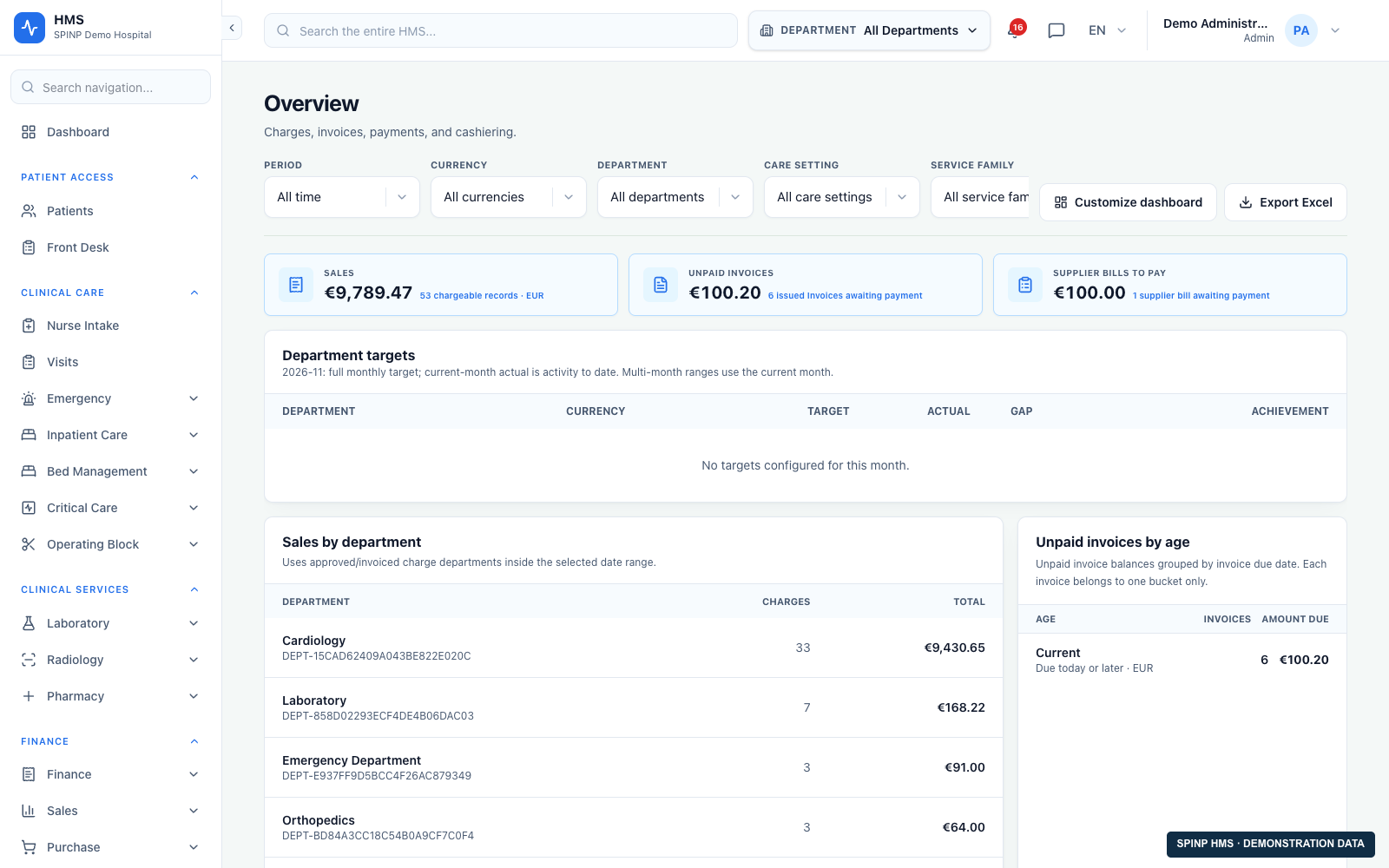
SPINP HMS dashboard showing hospital activity, bed occupancy and department overview
Outpatient careScheduling to completed visit
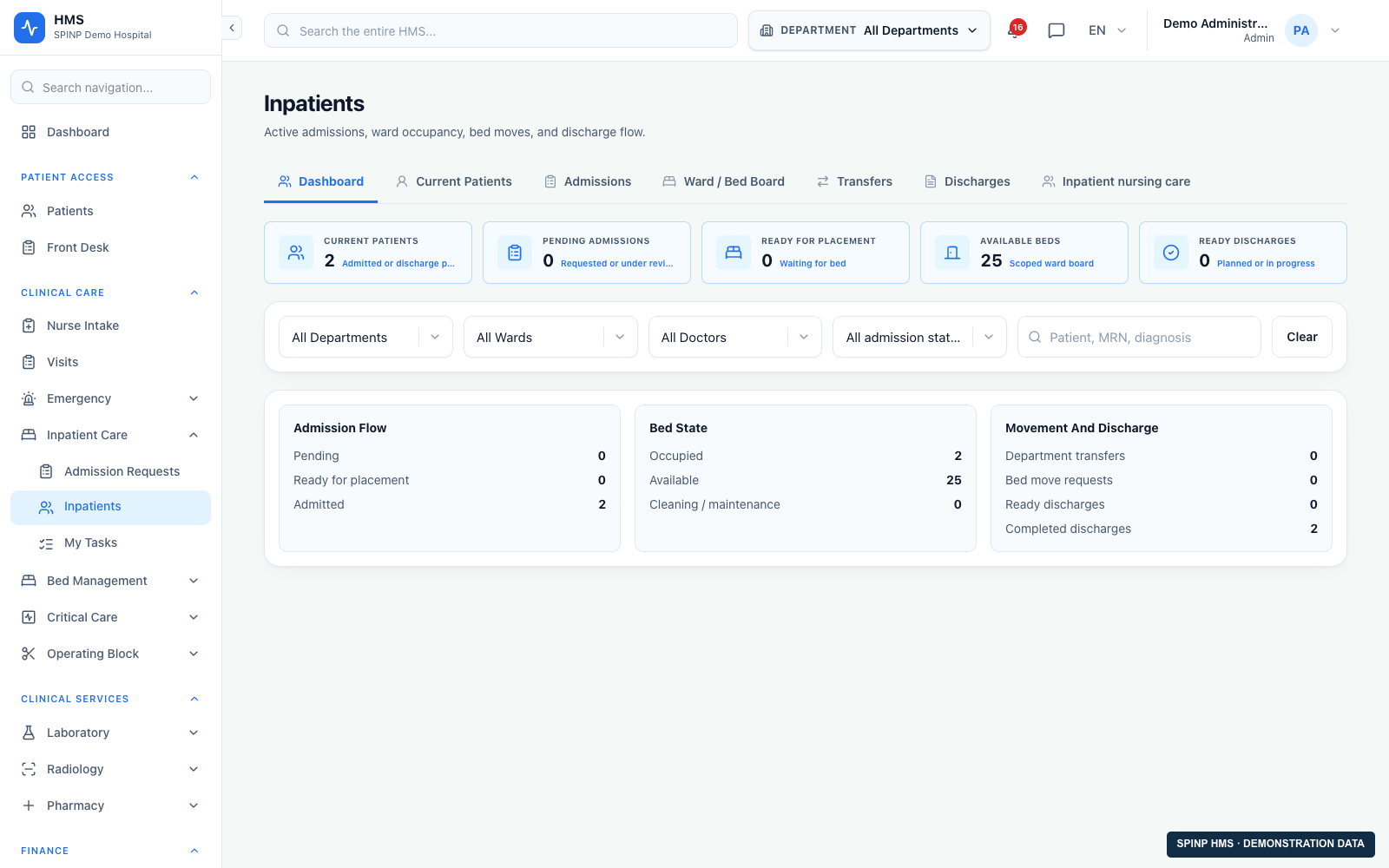
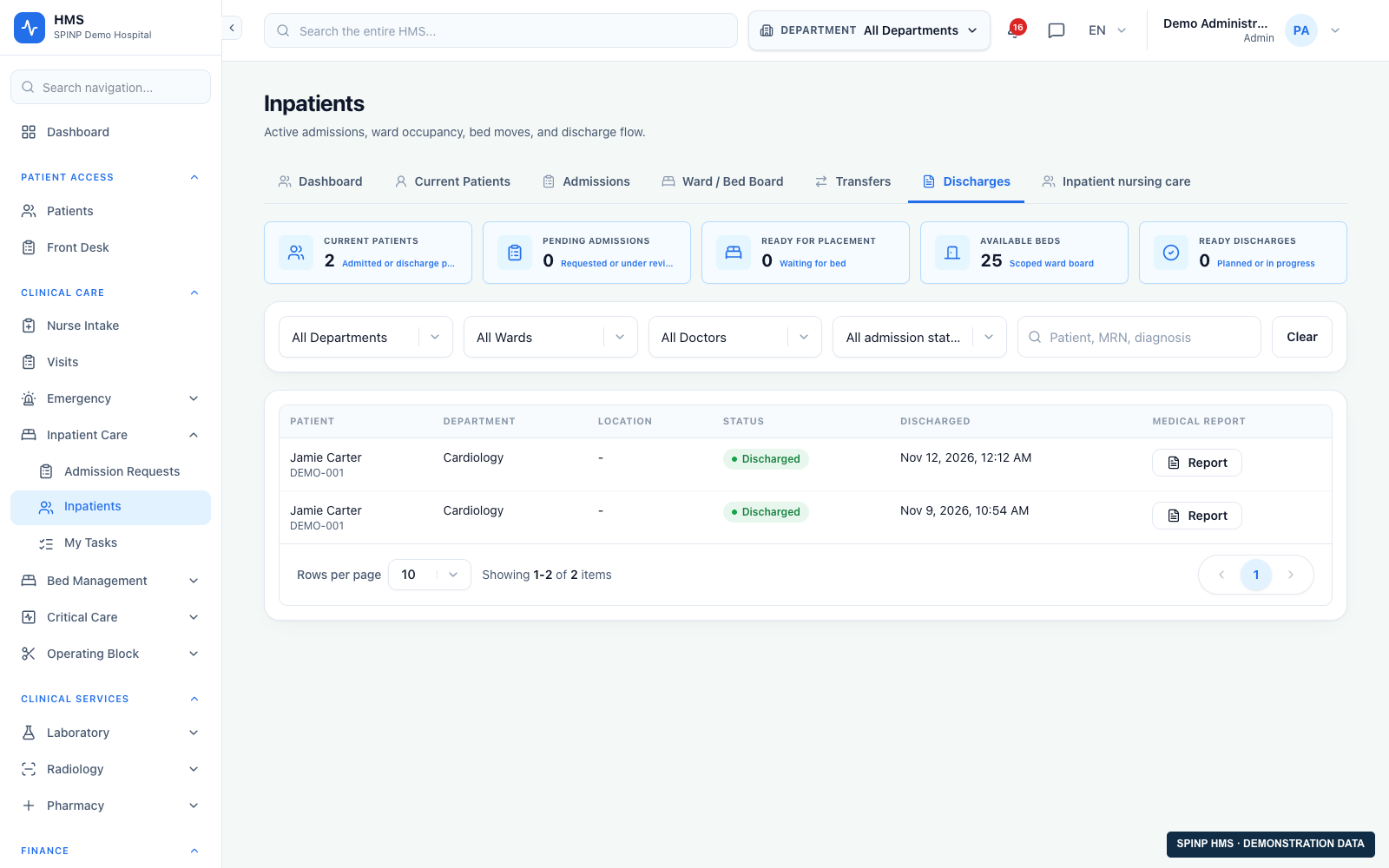
Inpatient careAdmission to discharge
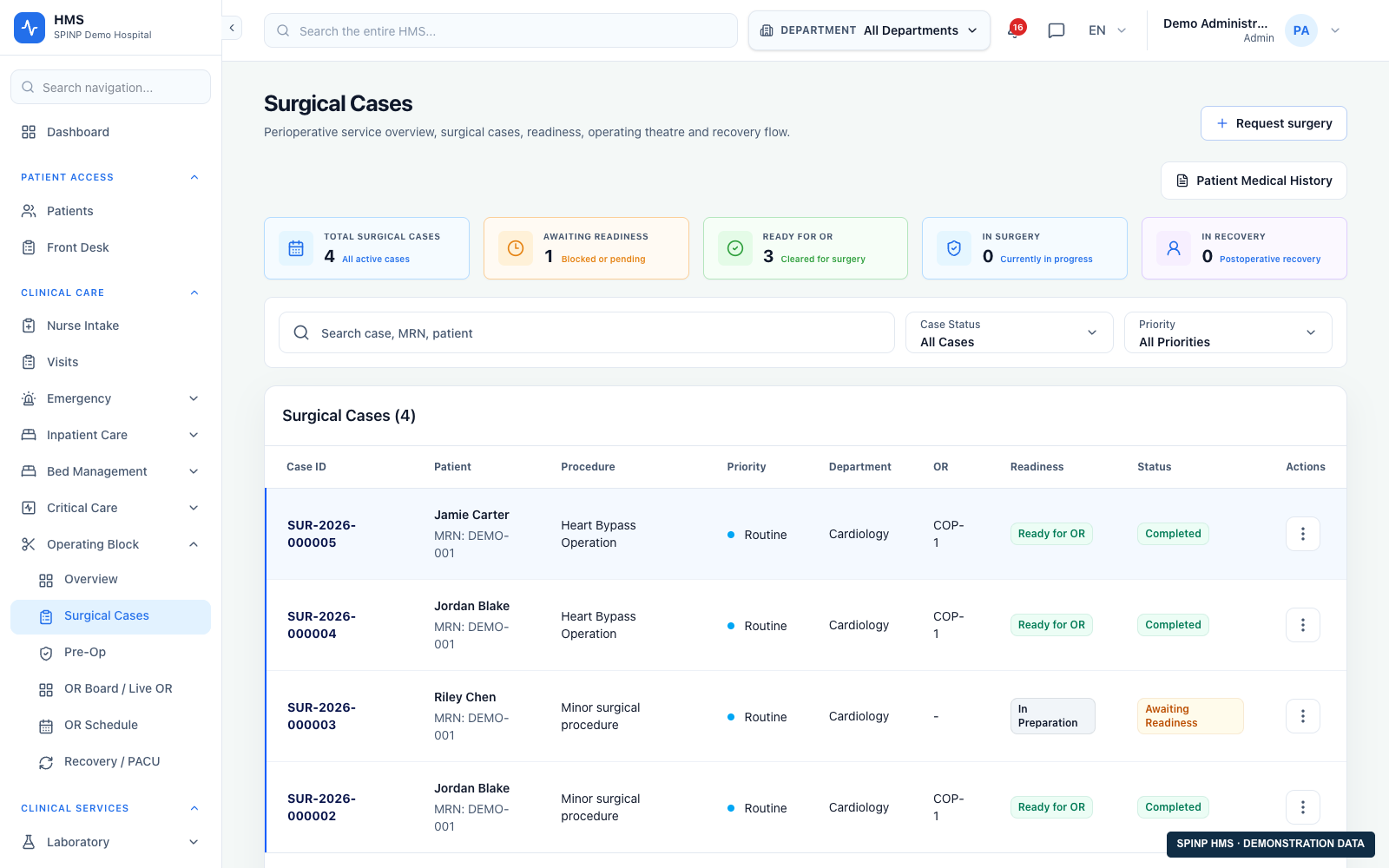
Emergency and surgeryDepartment-specific workflows
Hospital operationsPeople, locations, stock and finance

Three connected care settings

Follow the patient, not a stack of separate records

Different teams need different workspaces. SPINP HMS connects the handoffs between reception, the clinical team, diagnostic services and finance.

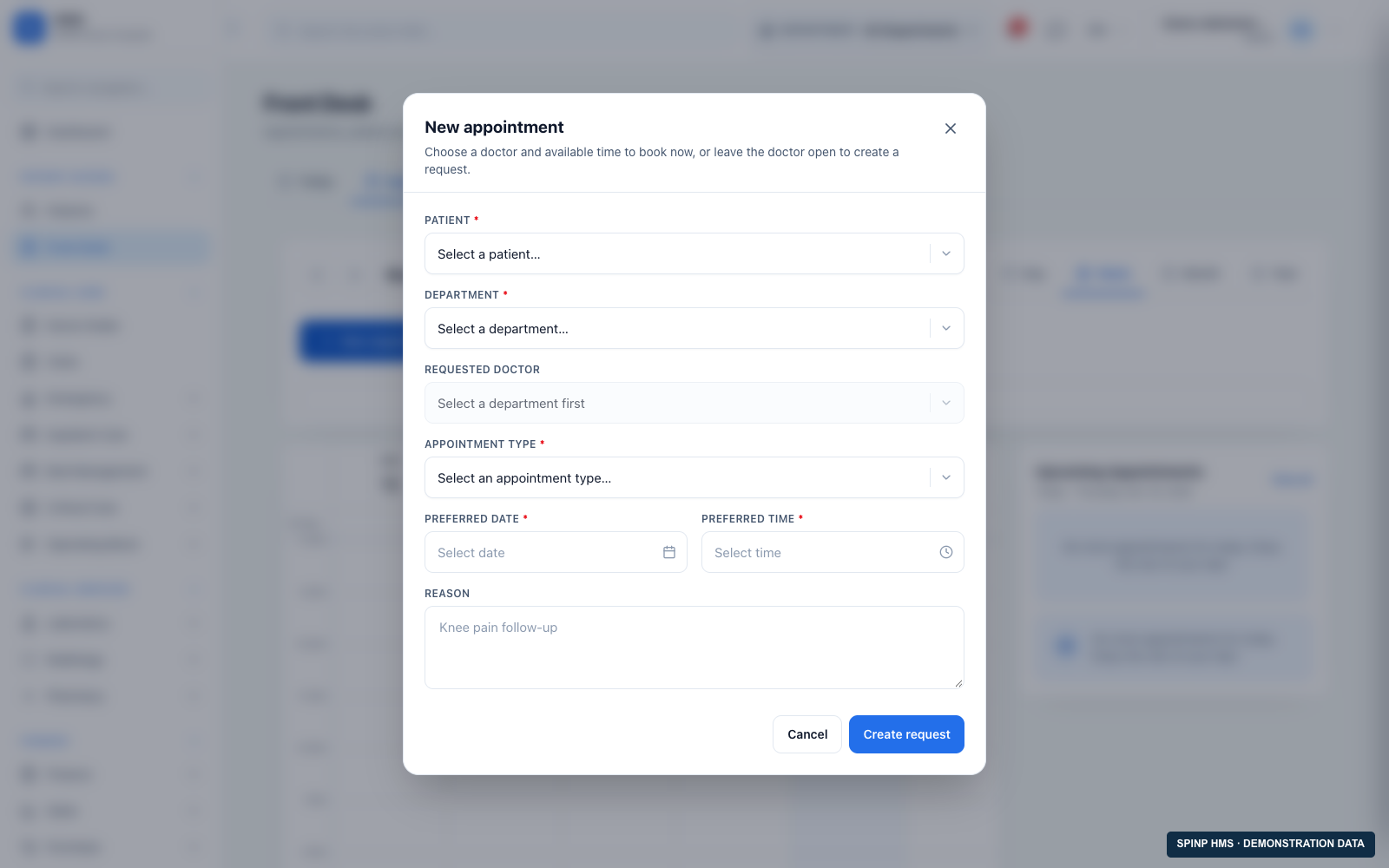
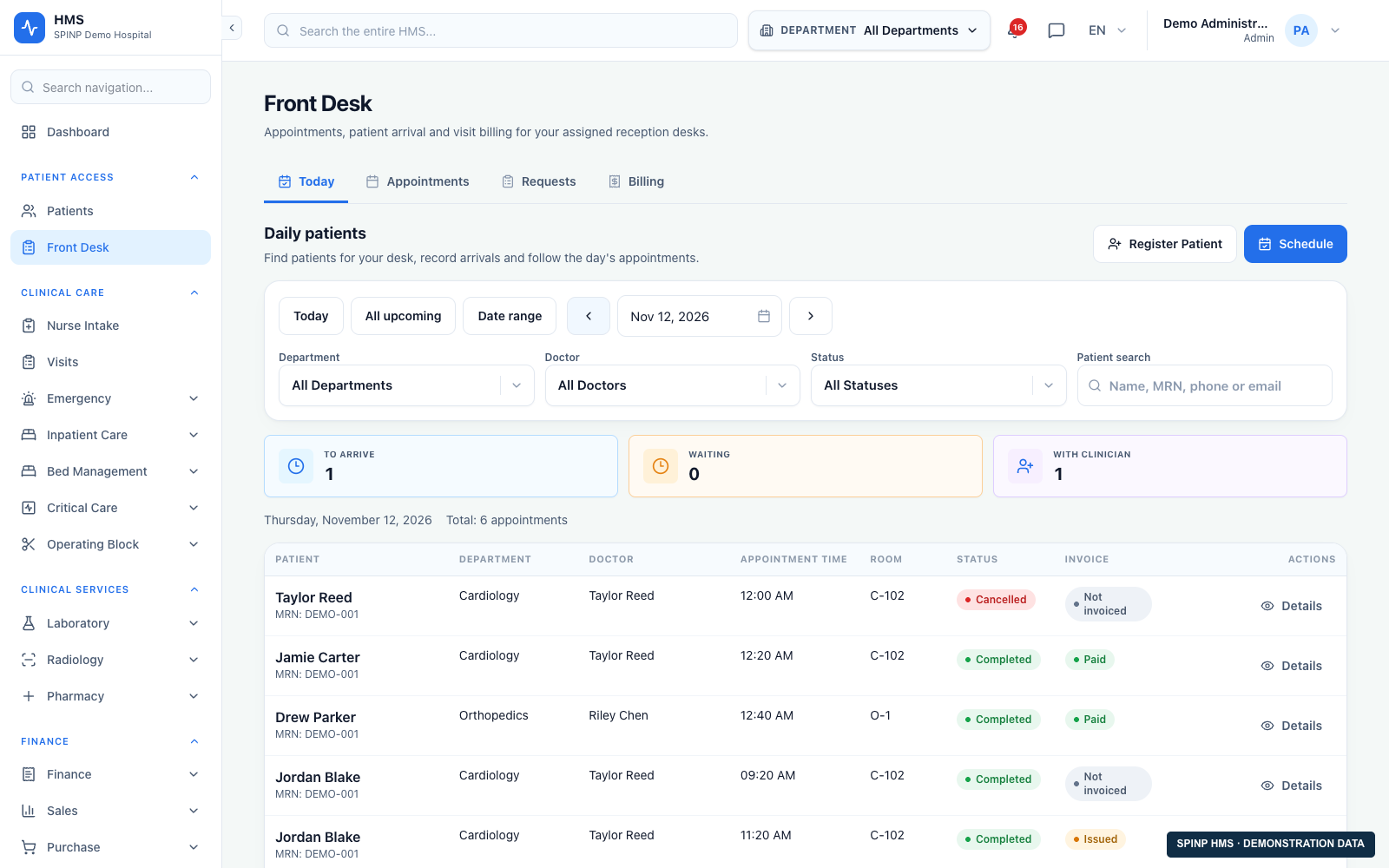
From appointment to completed visit

Keep the reception queue, the clinician's assessment and the services delivered within the patient's visit workflow.

  • Schedule and receive

    Register the patient, select the service and organise arrival through the Front Desk.

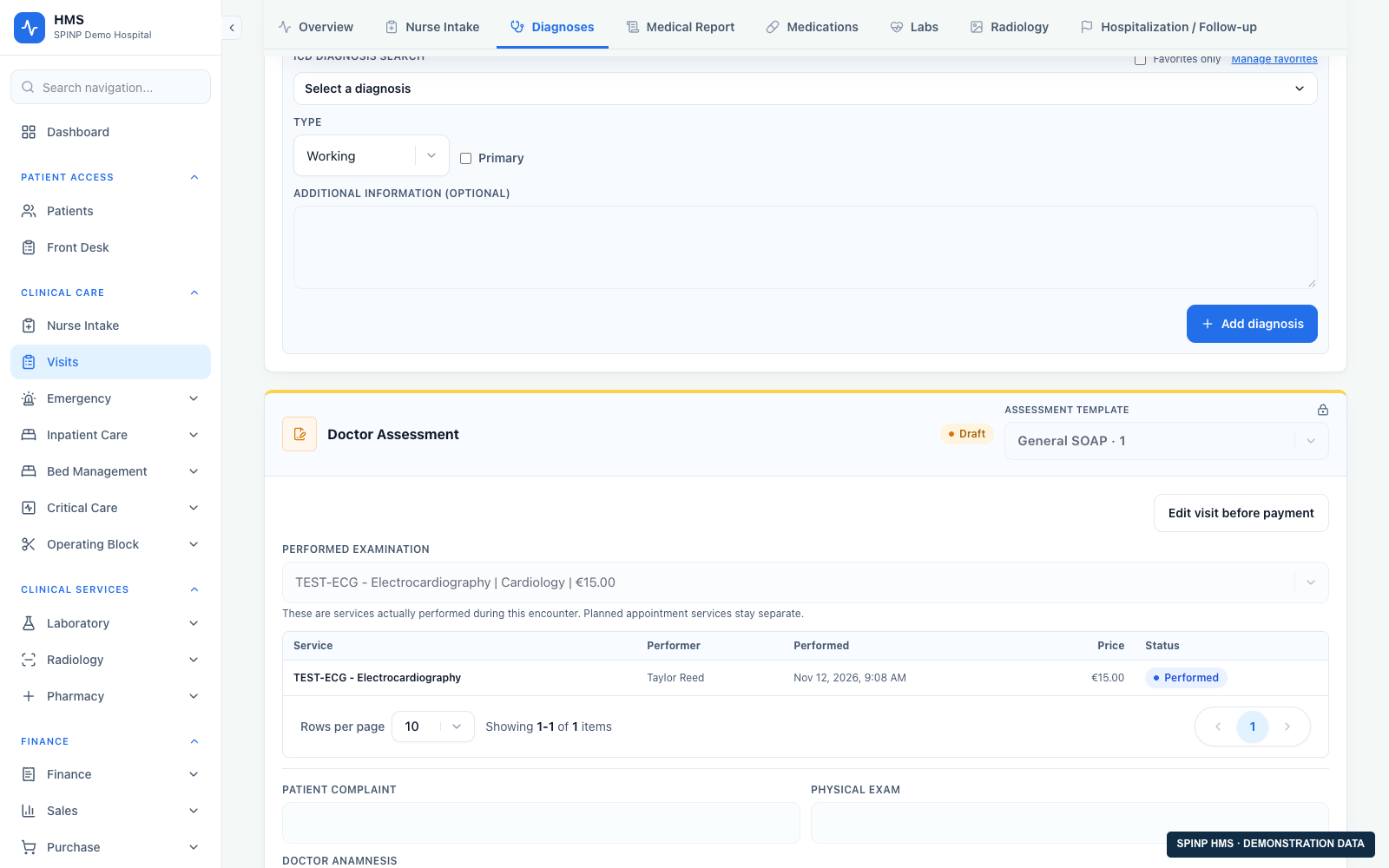
  • Record the assessment

    Capture nurse intake, vitals, history, the doctor's assessment and diagnoses.

  • Request care and diagnostics

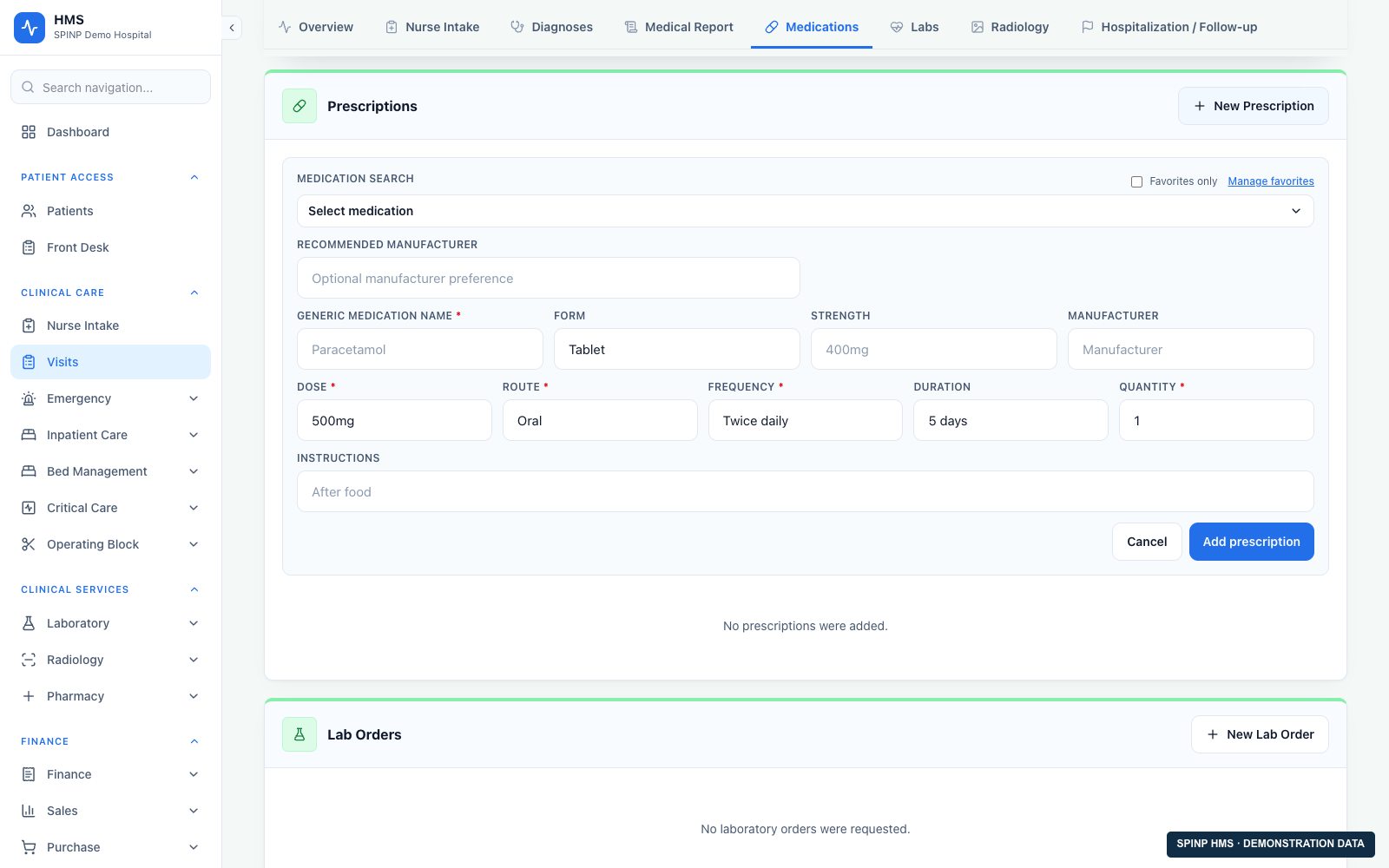
    Create prescriptions, lab orders or imaging requests and review available results.

  • Complete and follow through

    Document the visit outcome, plan follow-up or request admission, and continue to billing.

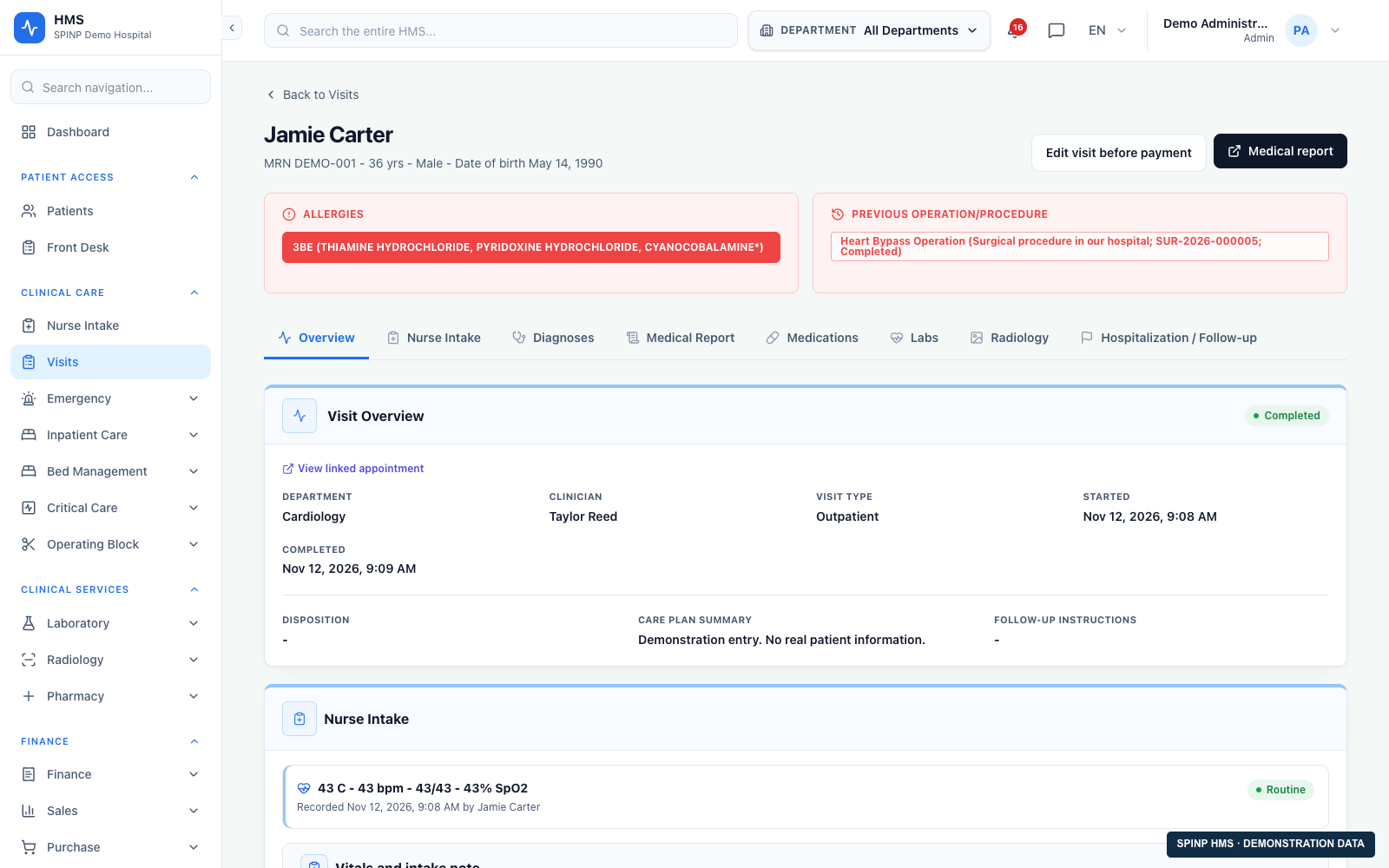
Outpatient visit workspace with patient details replaced by demonstration identities
Visit workspace · Anonymised demonstration

Build the structure before the rollout

Organise the hospital, not just the appointment book

Configure the physical layout and the teams that work within it. Start with your buildings and departments, then define where care takes place and who can work there.

  • Facility
  • Building and floor
  • Department and unit
  • Room
  • Bed

Map your physical space

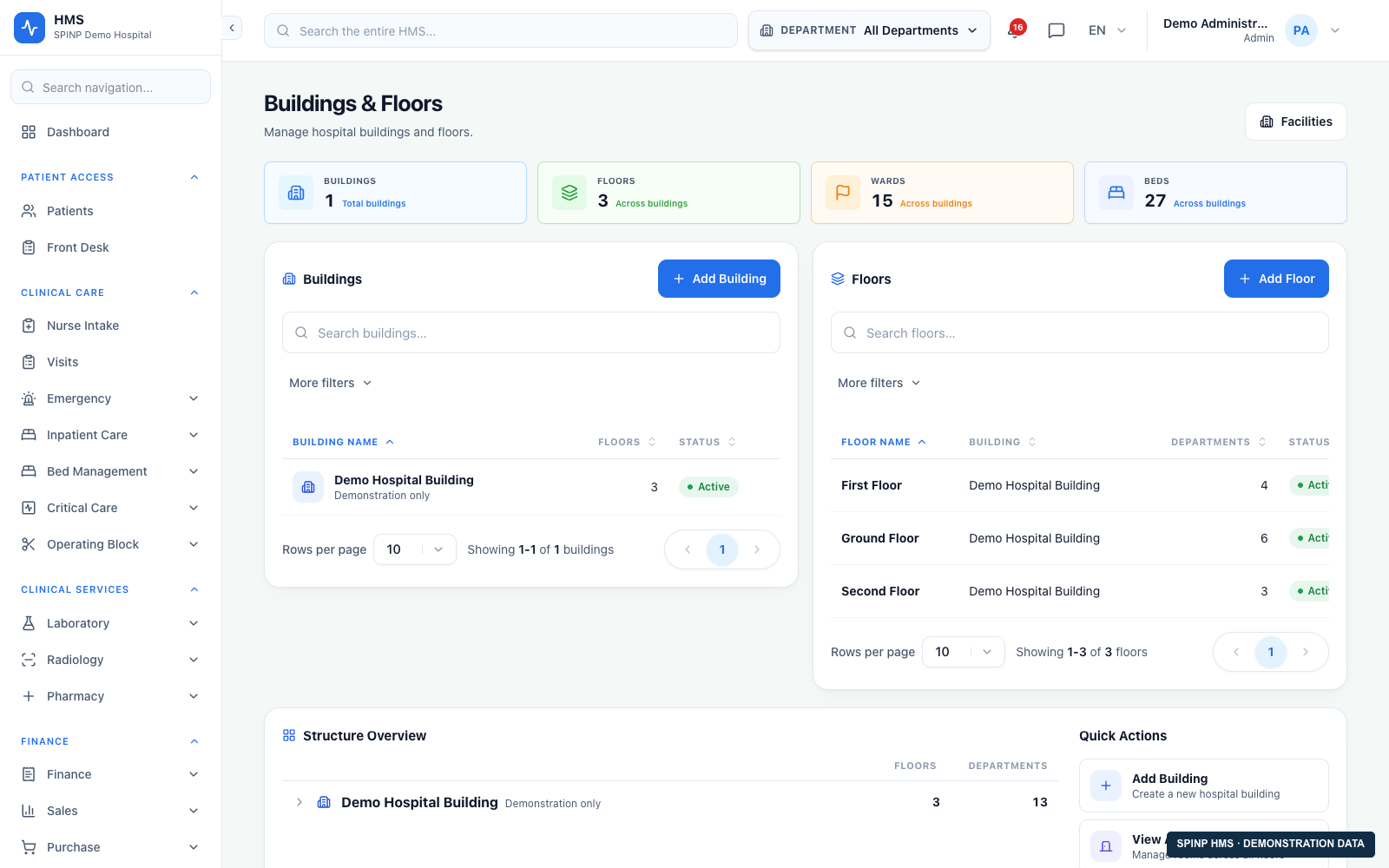
Organise buildings, floors, departments, wards, rooms and beds so patient placement reflects the facility you actually operate.

Separate teams and responsibilities

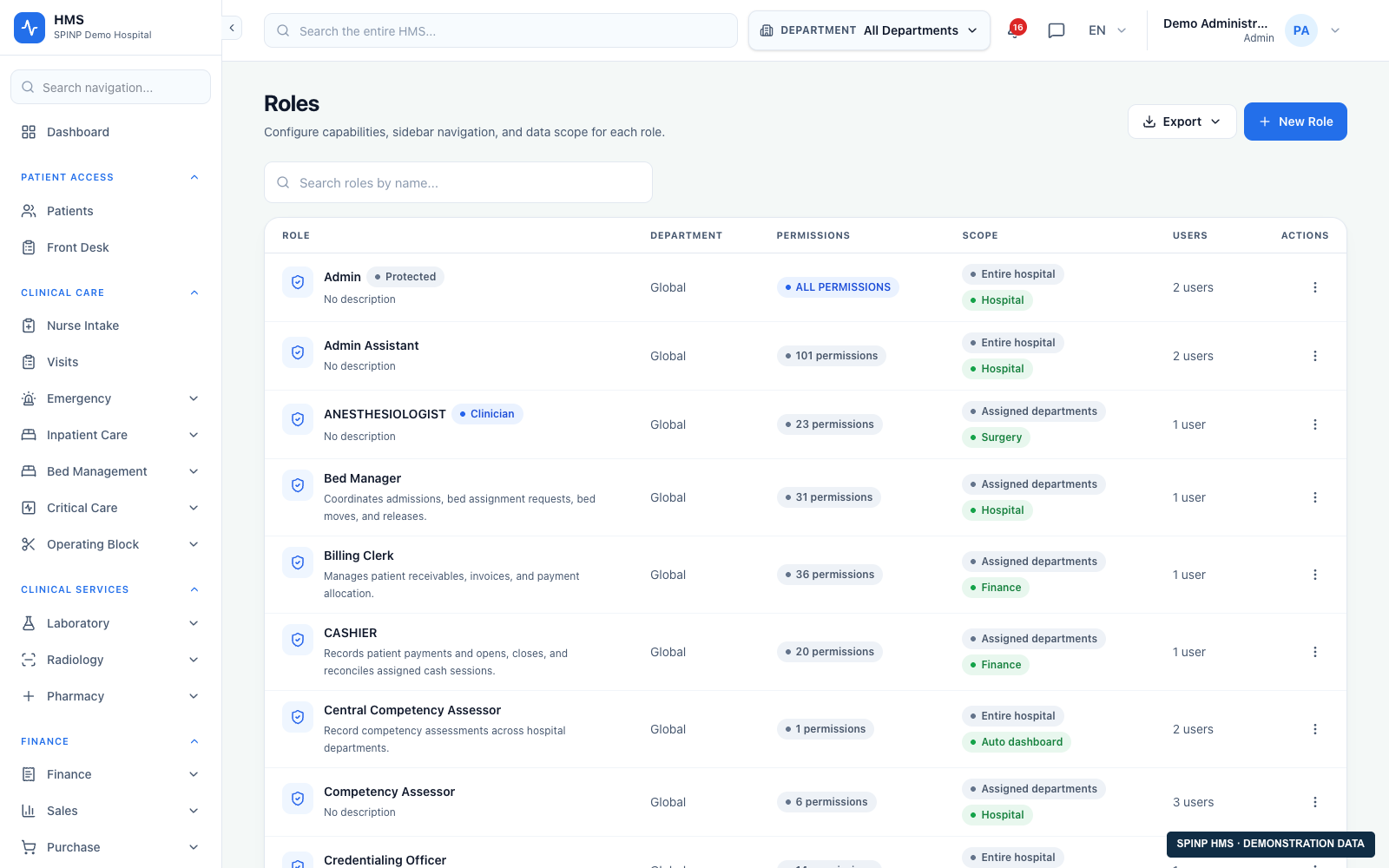
Create users and roles, configure permissions and use department access to shape each team's workspace.

Plan the workforce

Use staff records, credentials and privileges, training, attendance and roster tools to support the organisation behind clinical care.

Access and workflows are configured for your facility. Regulatory, hosting, security and data-protection requirements are reviewed as part of implementation.

Hospital buildings and floors configuration
Buildings and floors · Configuration workspace
HMS roles and permissions administration
Roles and permissions · Administration workspace

Module catalogue

Explore the scope by team

Use the catalogue to plan which teams and processes to include in your demonstration. Module availability and access depend on configuration.

Reception and patient access

Patient registration and records, scheduling, appointment requests, Front Desk, daily patient flow and nurse intake.

Clinical visits and continuity

Assessment and history, diagnoses, medical reports, prescriptions, diagnostic requests, visit outcome, follow-up and admission requests.

Inpatient care and nursing

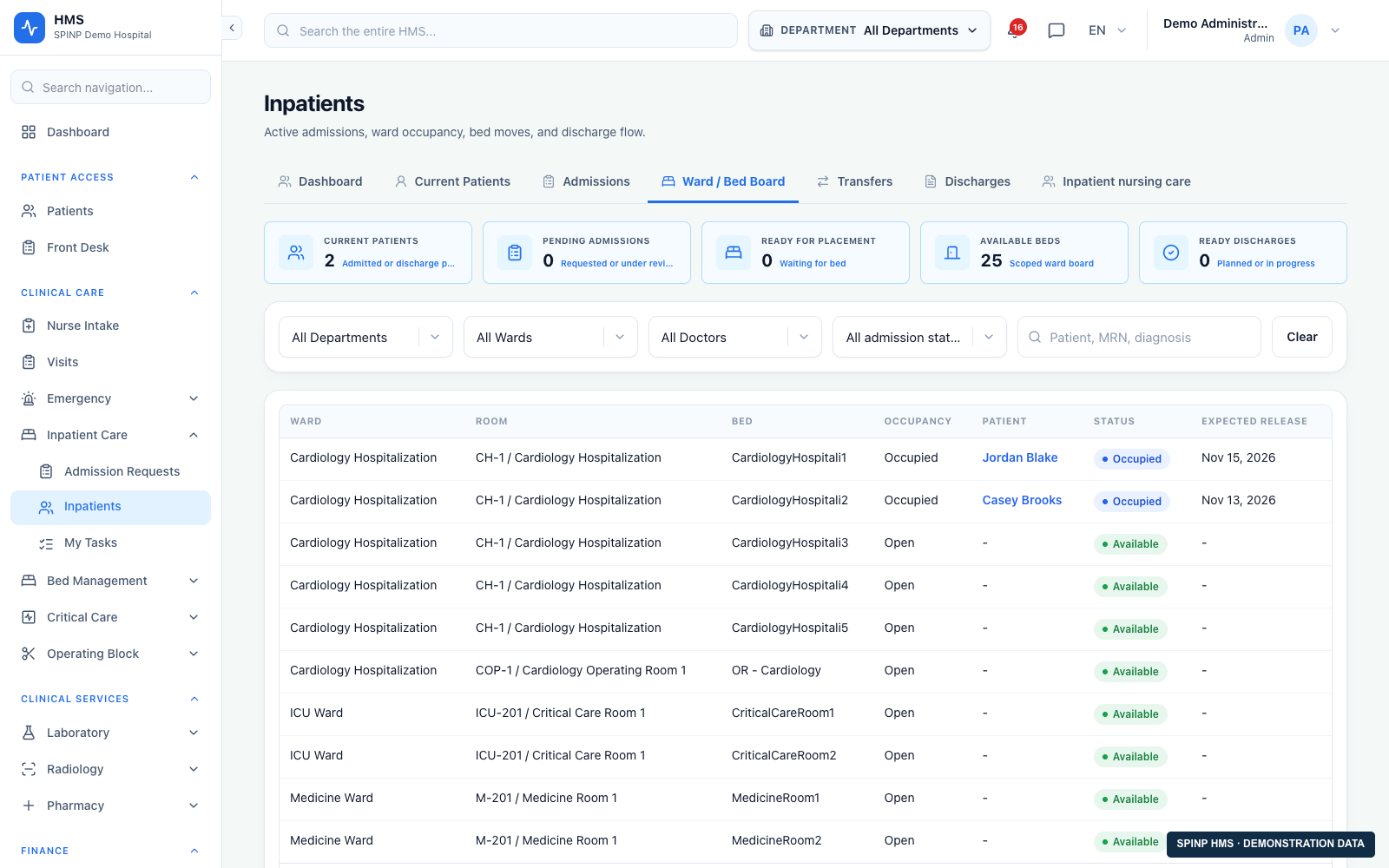
Current patients, admissions, ward and bed placement, transfers, clinical tasks, nursing care, medication records, handover and discharge planning.

Emergency and critical care

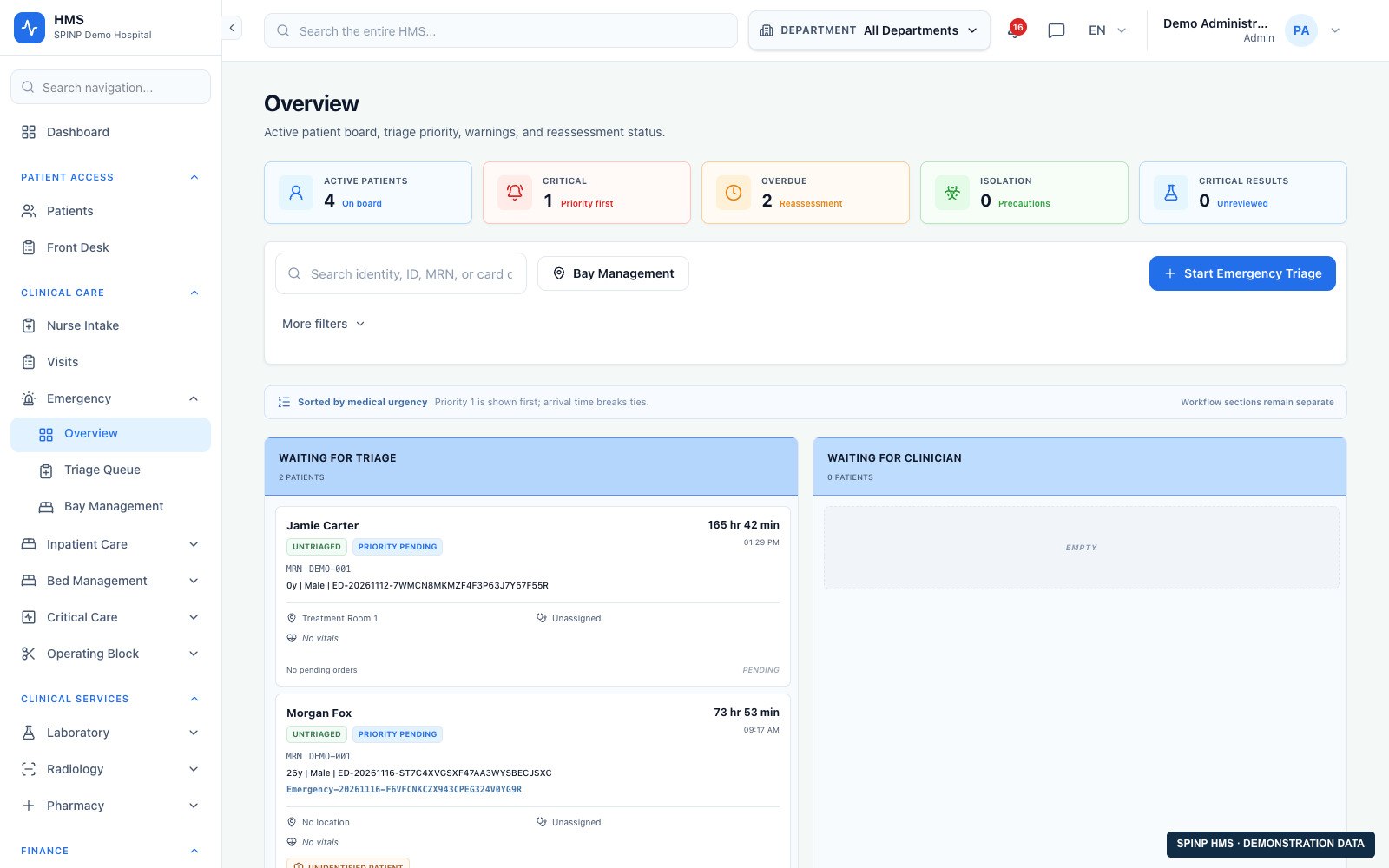
Emergency overview, triage queue and bay management; separate critical-care patient and transfer workspaces.

Operating block

Surgical cases, pre-operative readiness, OR scheduling, live OR board and recovery / PACU workflows.

Laboratory and radiology

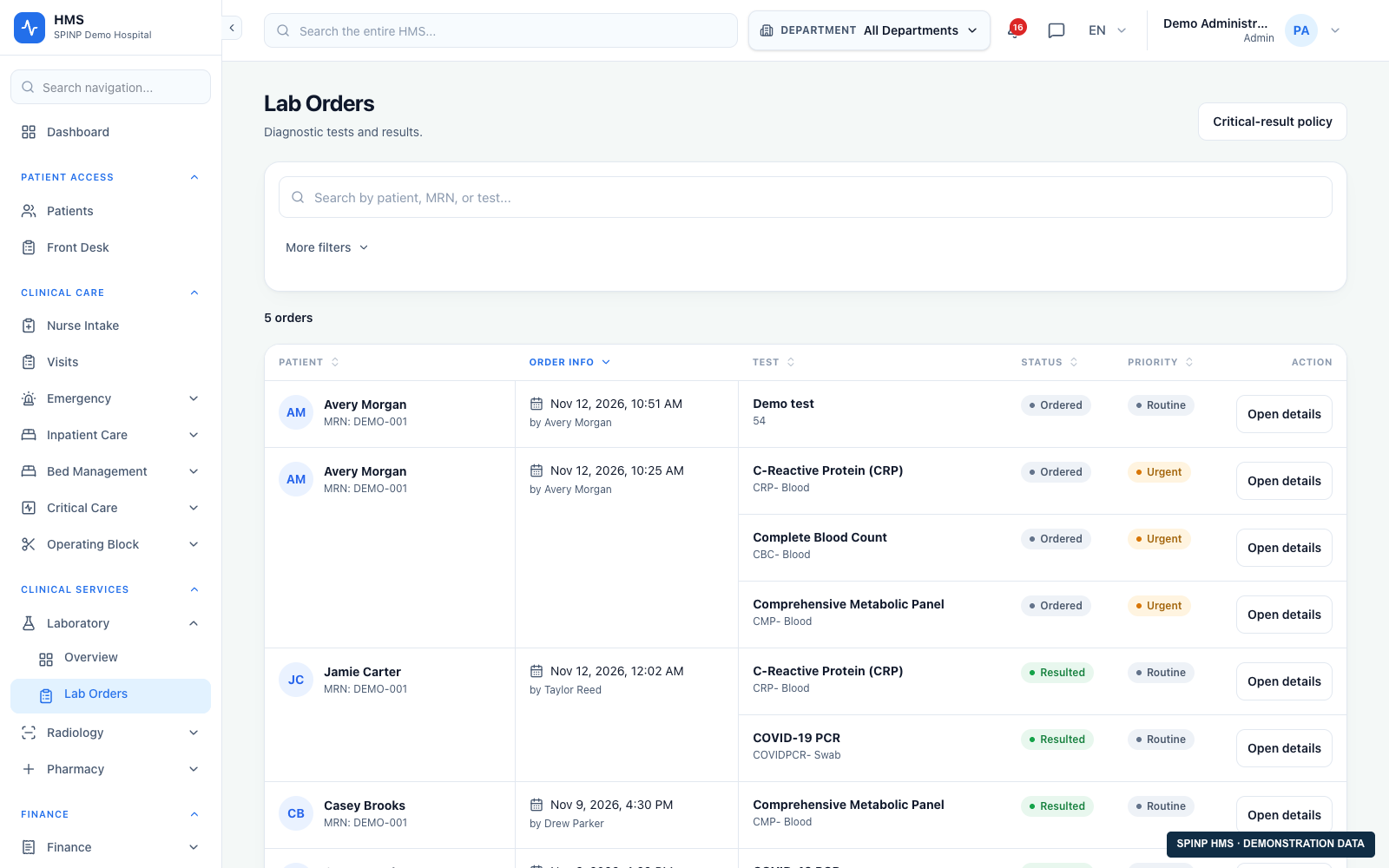
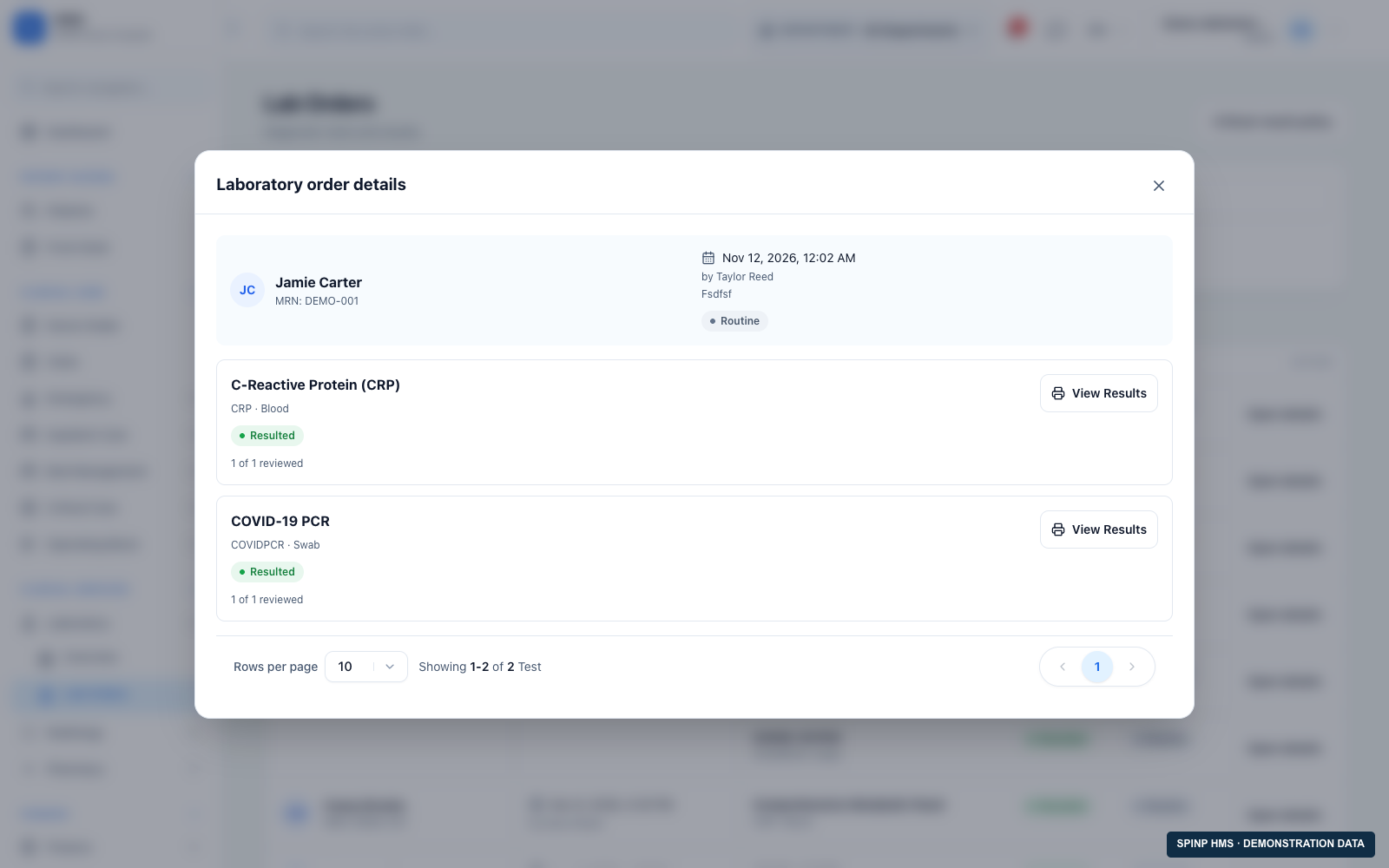
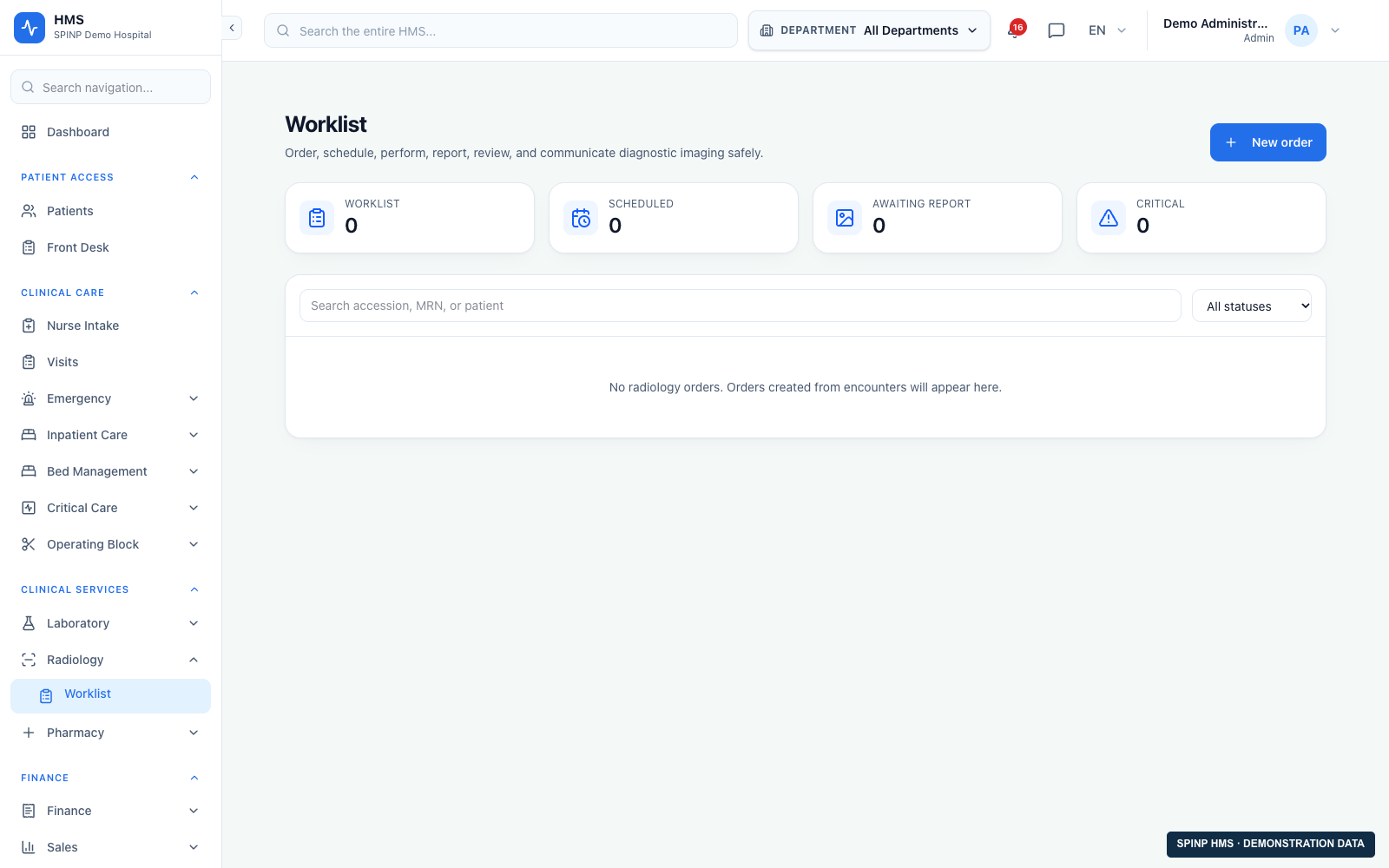
Lab orders and worklists, order detail, sample and result statuses, result review, imaging requests and radiology worklist.

Pharmacy and hospital supply

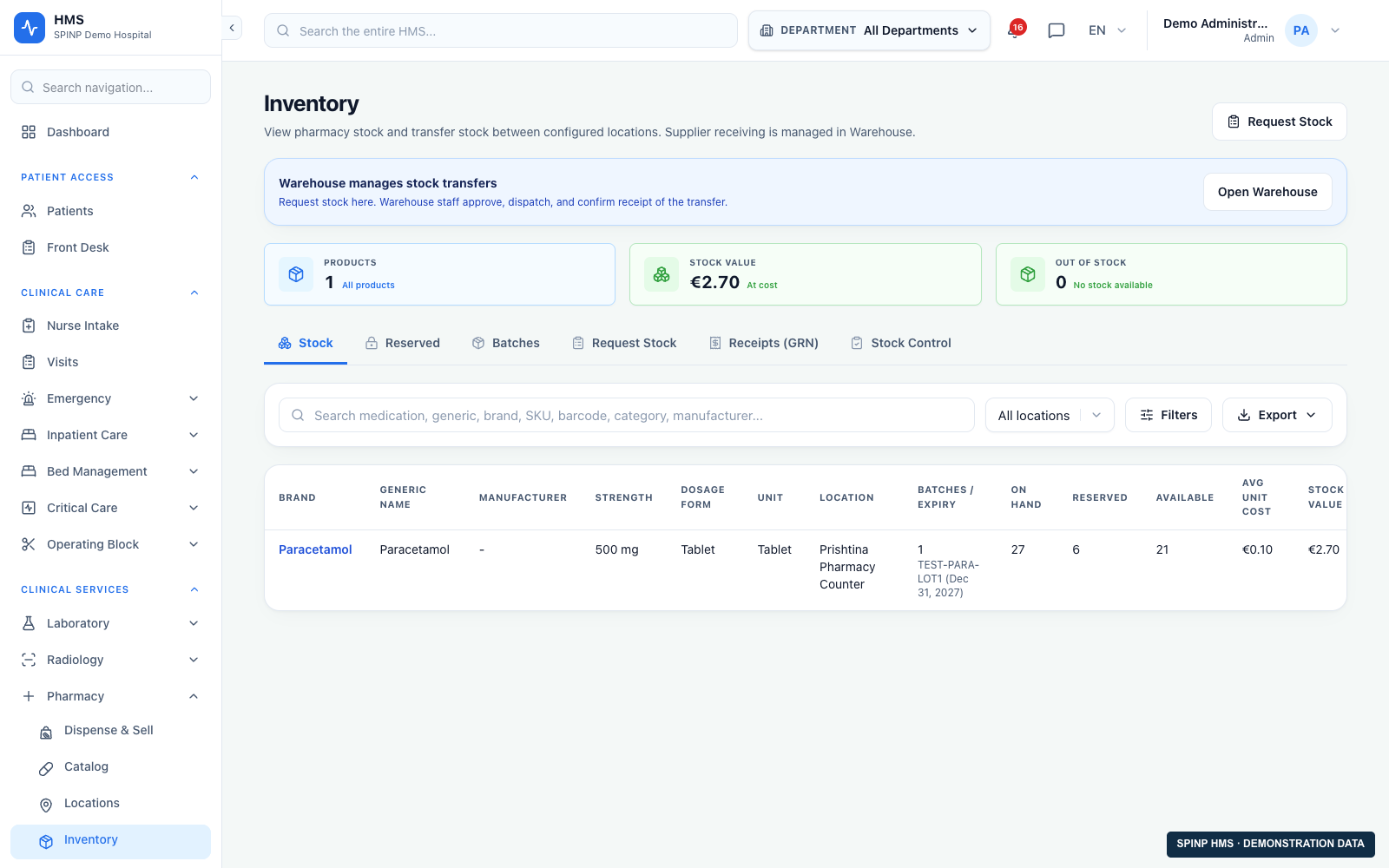
Medication catalogue, dispensing, pharmacy locations, stock, suppliers and documents; warehouse purchasing, receiving, inventory and transfers.

Finance and billing

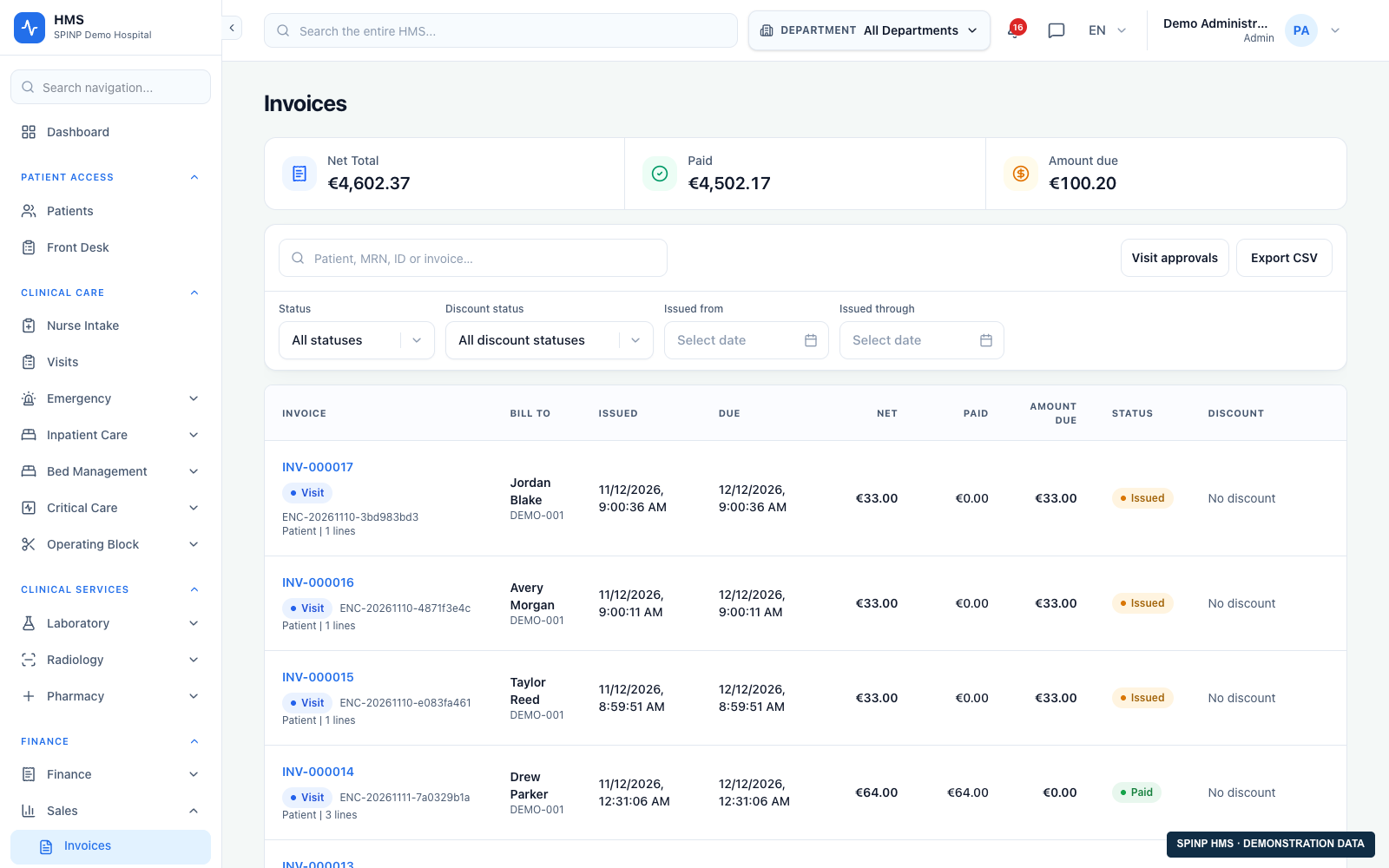
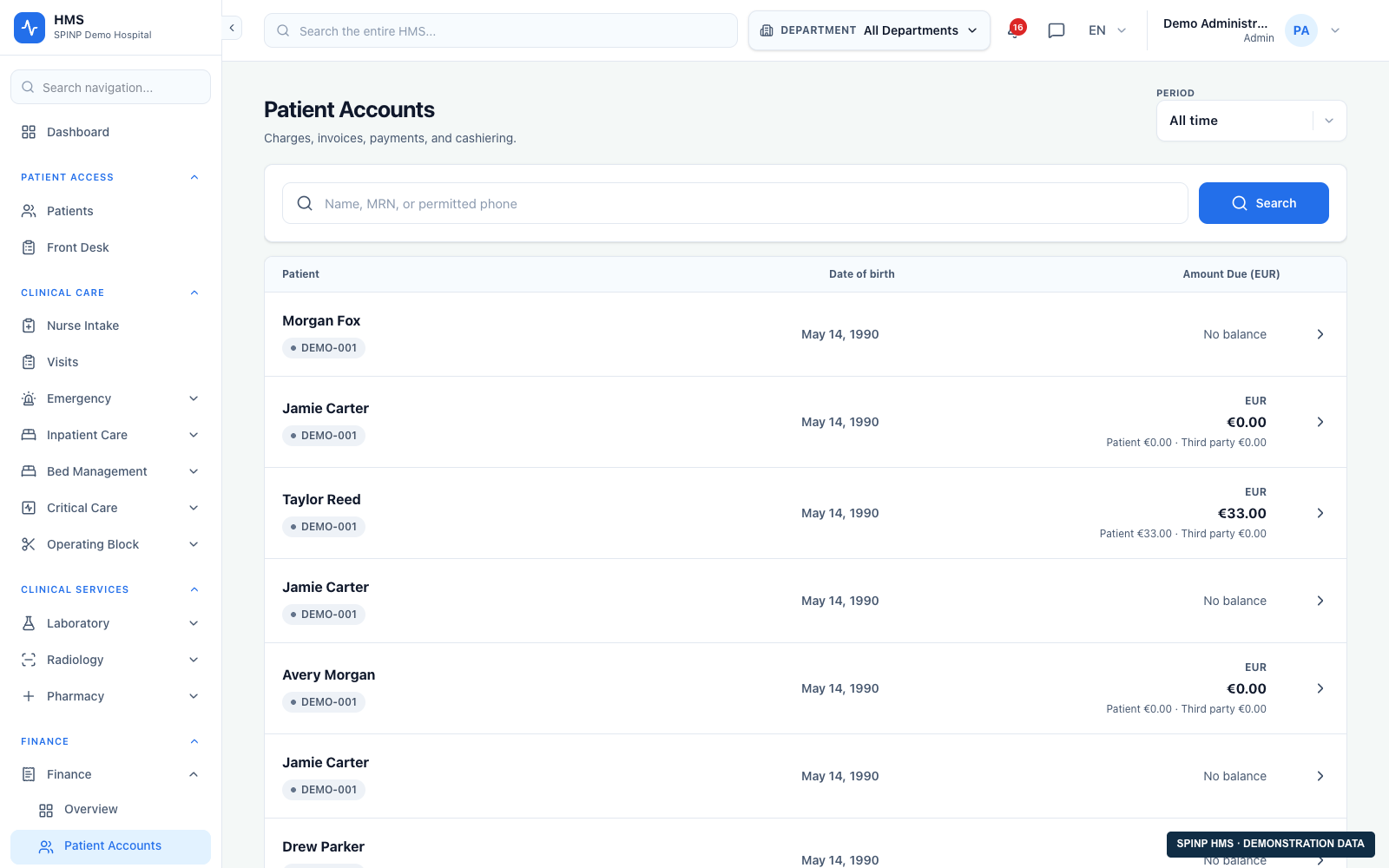
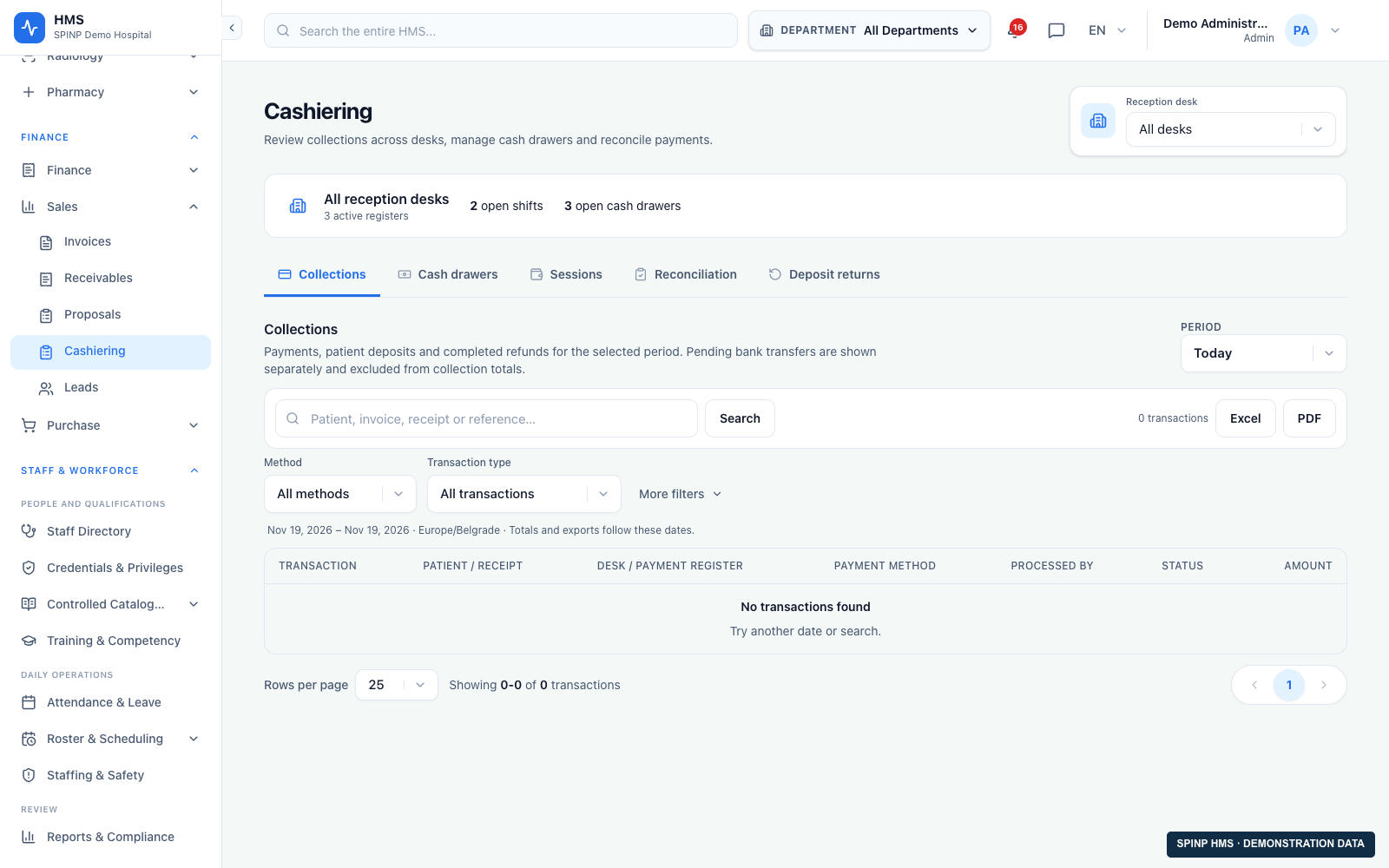
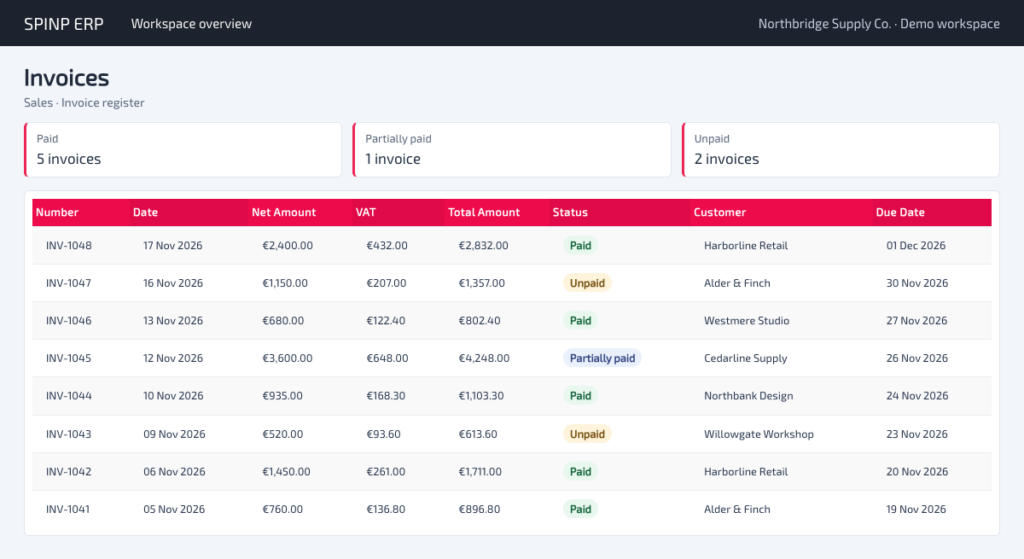
Patient accounts, pricing, invoices, receivables, cashiering, payment setup, business and insurance arrangements, purchasing and financial reporting.

Staff and workforce

Staff directory, credentials and privileges, training and competency, attendance and leave, workforce calendar and clinical duty roster.

Hospital configuration

Buildings and floors, units and locations, departments, rooms, user accounts, role permissions, custom fields, clinical configuration and PDF templates.

Implementation and adoption

Plan the rollout around your facility

A clinic and a multi-department hospital do not need the same rollout. Start with your care settings, then agree on the first workflows to introduce.

Map the patient journey

Review reception, clinical work, diagnostics, admission and billing with the teams responsible for each handoff.

Configure the operating model

Agree on departments, locations, users, permissions, service pricing, data migration and any external integrations to assess.

Train and validate

Walk through representative scenarios with sample data, train users by role and agree on go-live checks and support.

Case study

How SPINP HMS grew with Prishtina Hospital

SPINP advanced its HMS concept through work with Prishtina Hospital, developing a product for clinical and administrative workflows across multiple departments.

Before you decide

Frequently asked questions

Is HMS for clinics as well as hospitals?

Yes. The system includes outpatient and reception workflows as well as inpatient, emergency and surgical workspaces. The proposed setup should reflect the care settings and departments your organisation operates.

Can we configure our own wards, rooms and beds?

Buildings and floors, departments and locations, rooms and beds are part of the hospital setup. We review your hierarchy and placement workflows during implementation.

Can reception, doctors and finance have different access?

User roles, permissions and department access are configurable. The access model should be validated with your organisation before go-live.

Can you migrate records or connect another system?

We can assess the source data, formats and integration requirements. Scope, validation, responsibilities and any external-system dependencies are agreed separately.

How are pricing and rollout agreed?

Request a quote based on your facility, users, departments, care settings and implementation scope. The proposal should specify configuration, migration, training and support.

SPINP HMS demonstration

Bring your patient journey. We'll walk it through HMS.

Tell us about your facility and the departments you want to connect. We’ll focus the demo on the clinical and operational workflows that matter to your team.

    Please do not include patient records, clinical documents or passwords. We use your details to respond to your request. See our Privacy Policy.

    Quick check: please type the answer to this sum, then submit the form.