SPINP | A Custom Software Solution based in Republic of Kosovo

Fiscalization for businesses in Kosovo

From sale to fiscal receipt.

Electronic fiscal software (SEF) for selling in store or on the go. Link sales, stock and accounting with SPINP ERP.

Windows & macOSDesktops and laptops
Android & iOSPhones and tablets
Offline checkoutOn configured devices
SPINP ERPSales, stock and finance

Product walkthrough

Integro in action

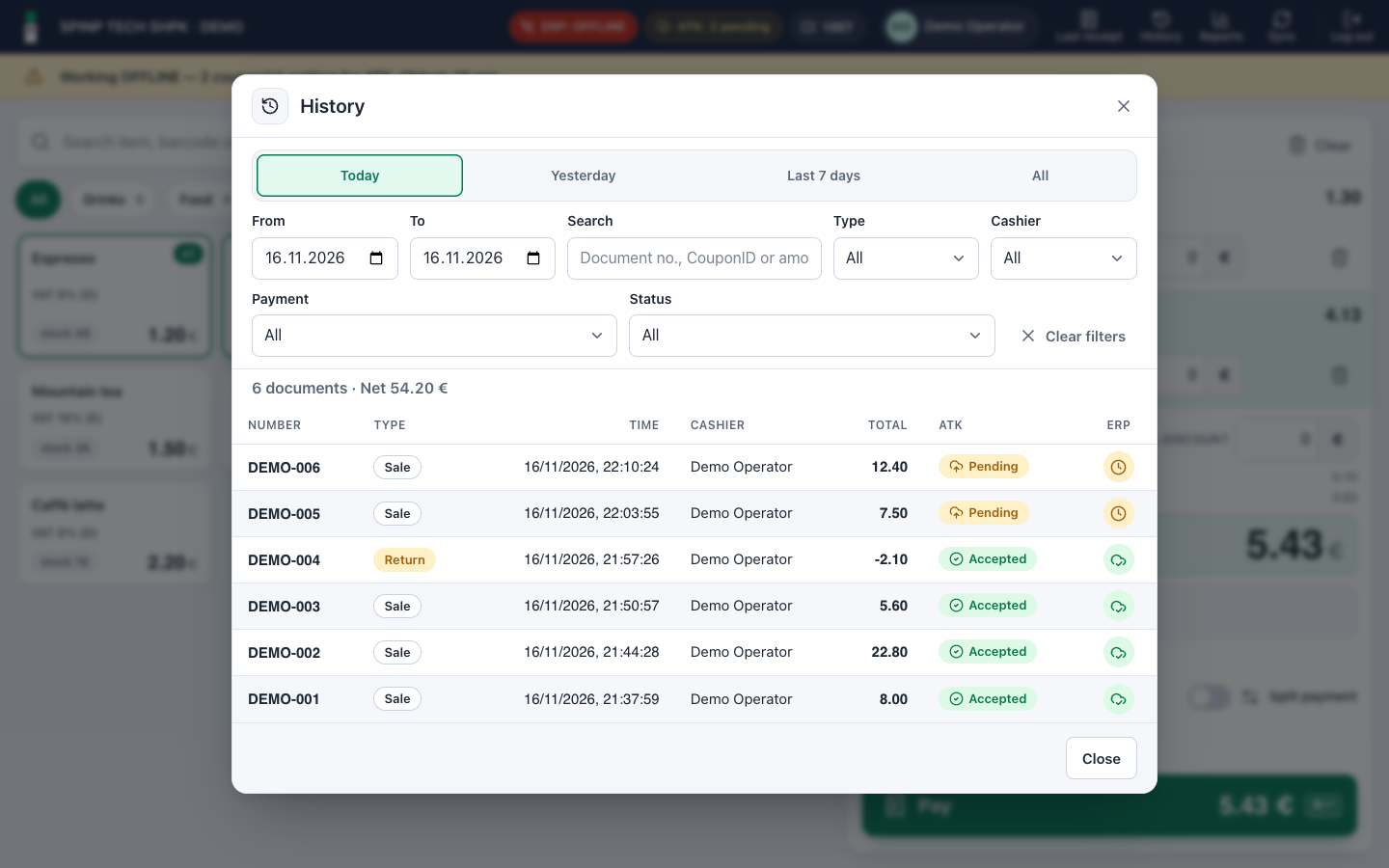
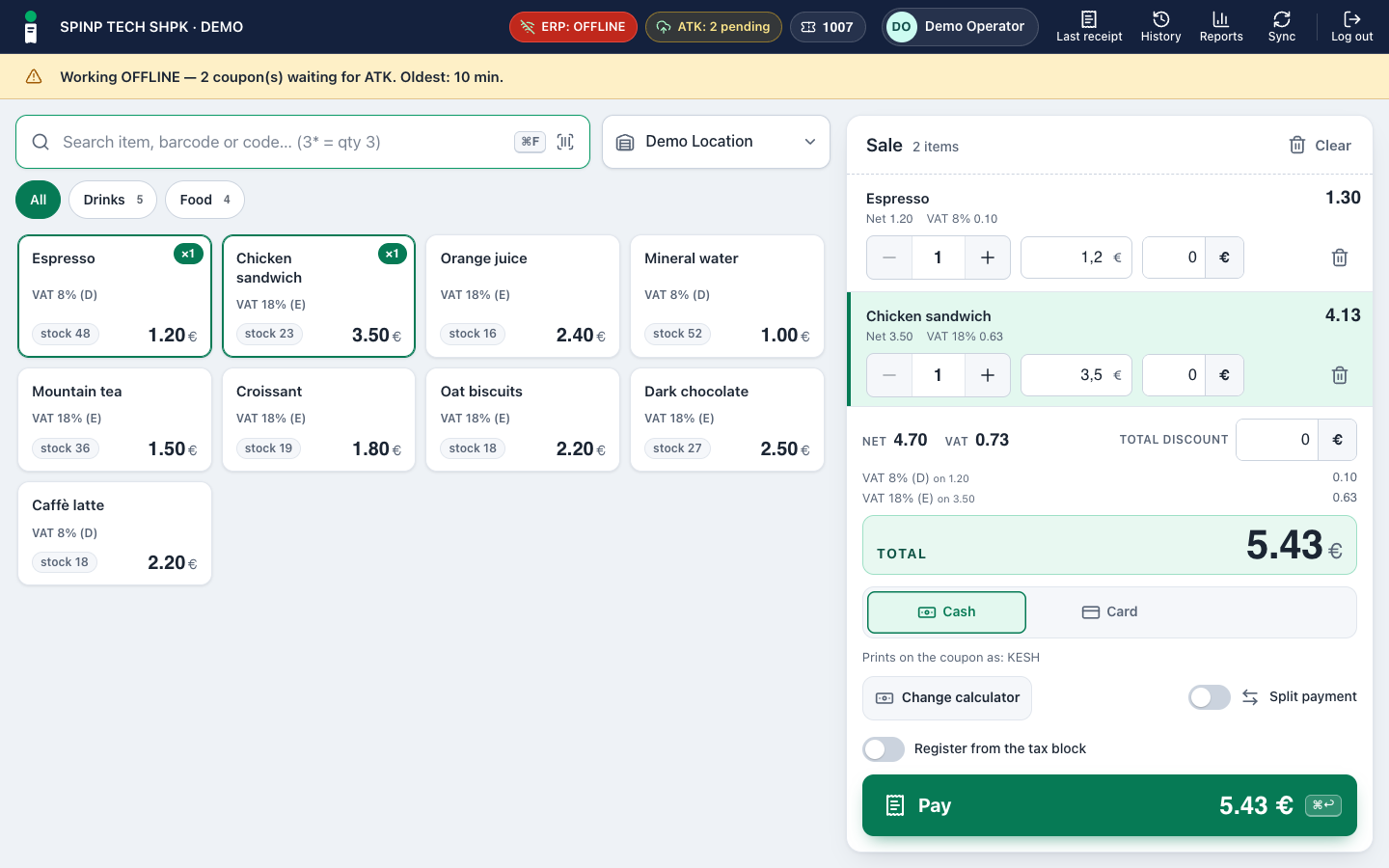
See what the cashier sees: items, totals and payment options at checkout, followed by receipts and their status in the history view.

Record the sale and issue a receipt

Find an item or scan its barcode. Review quantities, discounts and VAT before recording payment. Use cash, card or split payments, depending on your setup.
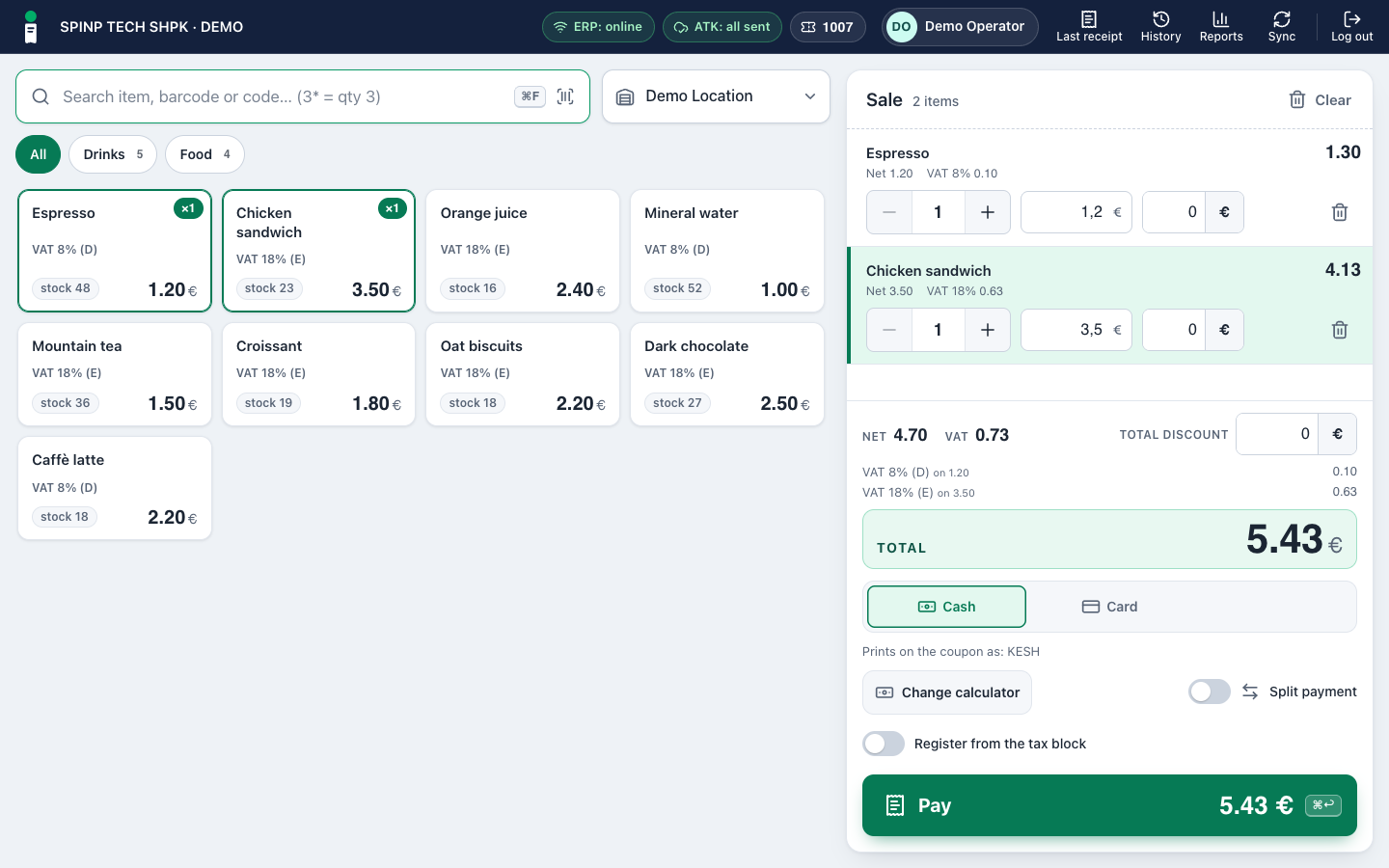

Integro checkout showing the product catalogue, basket and payment options
Integro 0.7.2 · Application screenshot with sample data.

Who Integro is for

From shop counters to mobile sales

Set up the checkout process around where you sell, how your customers pay and the devices your team uses.

Retail

Scan items at the till, apply discounts and pull up the original receipt when a customer returns a product.

Food and drink

Record payments at the counter, split a payment when needed and check your totals at the end of the day.

Service businesses

Select a service from your catalogue and issue a fiscal receipt where you take payment.

Manufacturers selling direct

When you sell from your factory or shop, use the right product catalogue and warehouse for that point of sale.

Mobile and market vendors

Use a phone or tablet with compatible equipment to sell at markets, events or in the field.

Platforms and equipment

Checkout at the counter or on the go

At the counter

Integro is built for Windows and macOS. If you already have a desktop or laptop, we check the model and configuration before activation.

On the go

Android and iOS/iPadOS versions are developed for compatible phones and tablets. Tell us your device model and where you plan to use it.

Barcode scanners and printers

We check compatibility for your barcode scanner and thermal printer, including portable models and 58 mm or 80 mm formats where the device and platform support them.

We confirm compatibility and activation availability for each platform and device. If you connect SPINP ERP, you can manage the setup online. Offline checkout uses the installed app.

Request a quote for your setup
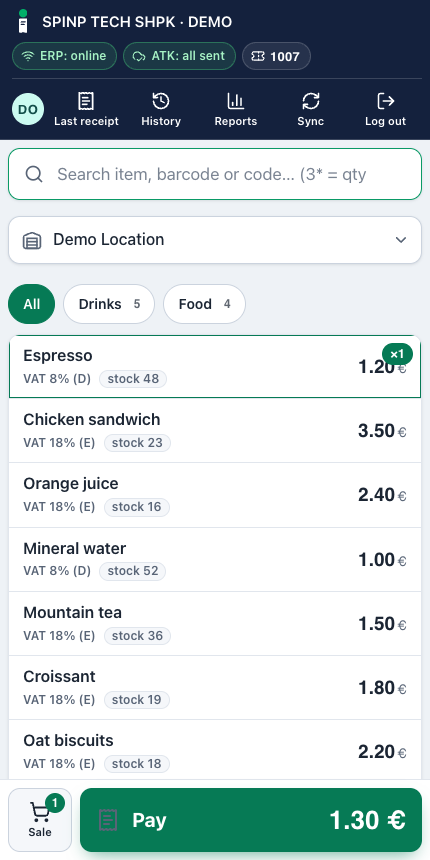
Integro checkout adapted to a phone-sized screen
Small-screen interface · Demonstration

Integro + SPINP ERP

What happens after the sale?

Connect Integro with SPINP ERP so your checkout and finance teams can work from the same sales data. We configure the integration around your sales locations, warehouses and accounts.

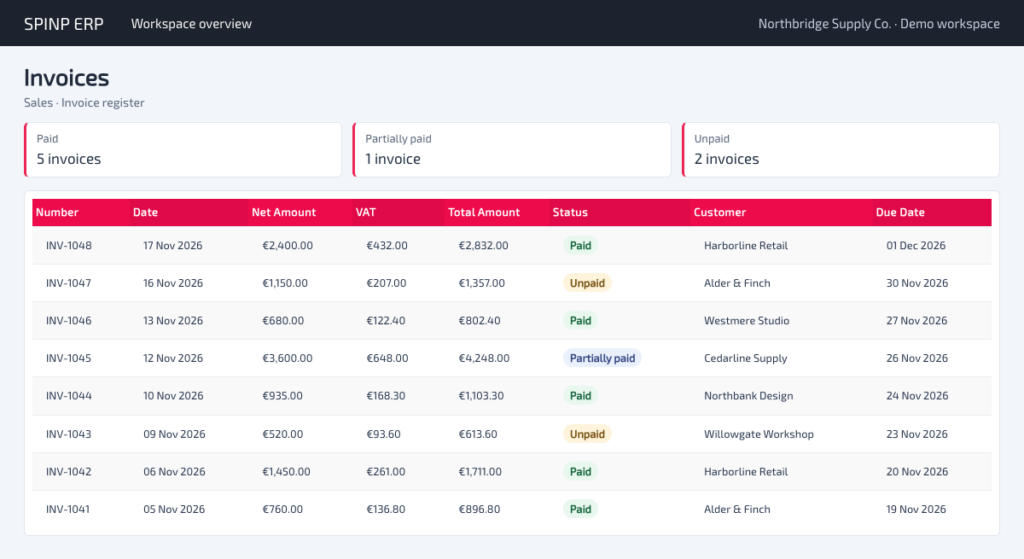
  1. 01

    Checkout records the sale

    Items, payment and receipt are recorded against the point of sale where the transaction took place.

  2. 02

    Inventory tracks stock movements

    Synced sales and returns are linked to stock in the warehouse assigned to that point of sale.

  3. 03

    Finance reviews the transaction

    Reports and sales data support register reconciliation and accounting entries, depending on your configuration.

Need more than fiscalization? SPINP ERP also supports purchasing, supply management, CRM, HR, projects and tasks.

Getting ready for fiscalization

What do you need before activation?

Start with the setup you have today. We’ll help you work out what you need to move to electronic fiscal software, from equipment to operator training.

  1. 01

    Tell us how you sell today

    How many points of sale do you have? Do you use a till, phone or tablet? Would you like to keep your existing equipment?

  2. 02

    We'll check equipment and software

    Before scheduling activation, we confirm device compatibility and check the official status of the software version for your platform.

  3. 03

    Walk through a sale in a demo

    We'll use sample data to go through a sale and issue a demo receipt. After that, we can plan your setup and team training.

Before you decide

Frequently asked questions

Are receipts submitted while I'm offline?

No. When the register is configured for offline operation, it stores receipts locally. Integro retries submission when your connection returns and shows you which receipts are still pending.

Can I use the equipment I already have?

It depends on the device model, operating system and how it connects to the register. Send us the model of your computer, phone or tablet and any printer or scanner you want us to check.

Can I use Integro at more than one location?

We can help plan a setup for multiple points of sale with separate operators and warehouses. Your quote and configuration depend on the number of locations and how you want to track sales.

Do I need to buy all the ERP modules?

Not necessarily. Tell us whether you need a fiscal register on its own or also want to connect inventory, finance and other modules. We'll recommend a setup for your business.

How do I check certification status?

Use the public ATK register to check the software name, version and platform you plan to use. A demo does not replace authorization for fiscal use.

How much does Integro cost?

Pricing depends on the number of locations and devices, your setup and the integrations you need. Request a quote that sets out configuration, training and support.

Demo and pricing

See how Integro handles your kind of sale.

Tell us what you sell, where you take payment and which devices you use. We can build the demo around a typical sale at your business.

    Quick check: please type the answer to this sum, then submit the form.